designing a data experience where charts explain themselves — and non-analysts go from confused to confident
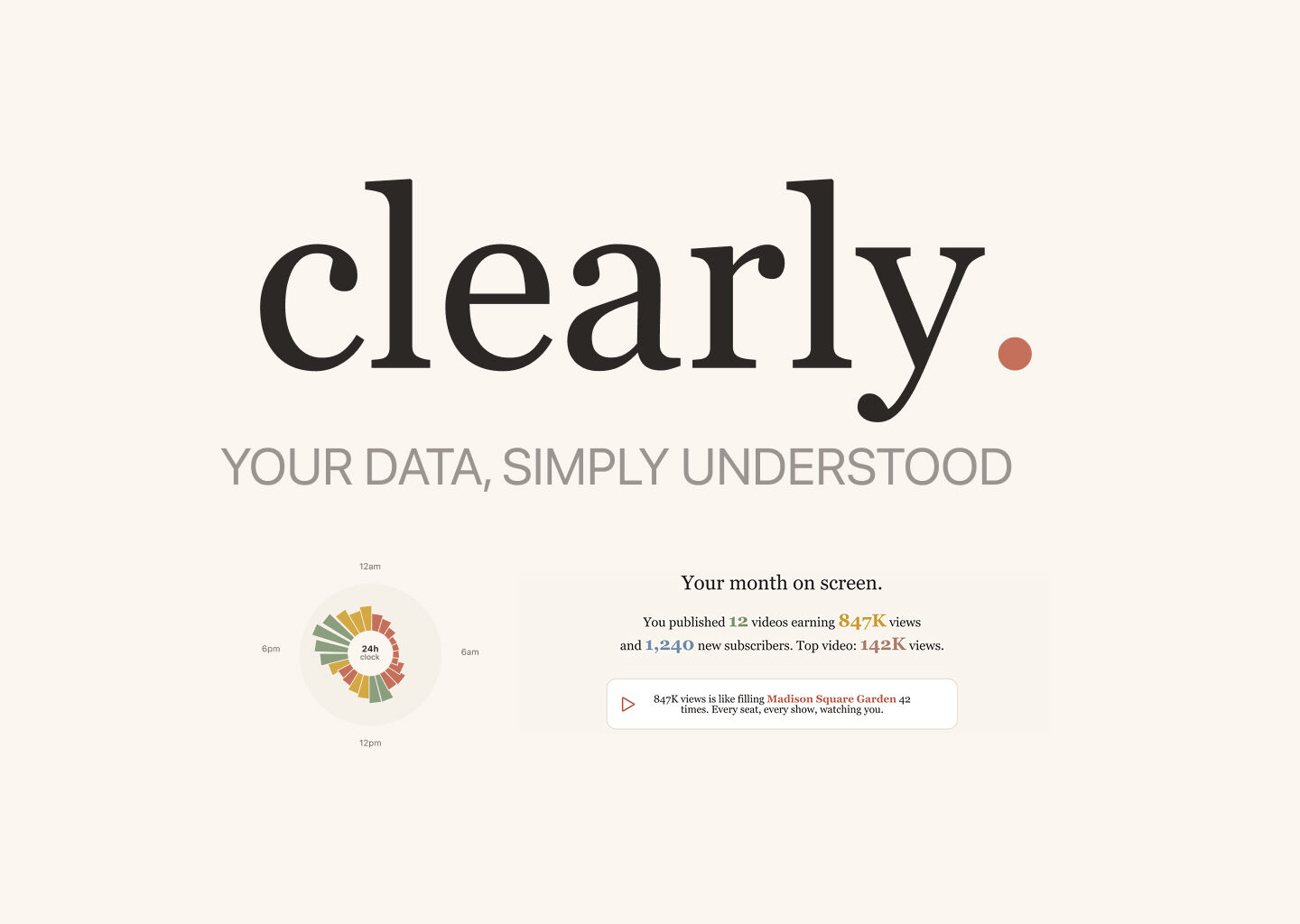
Clearly is a web application designed to make data analysis genuinely accessible. Instead of confronting users with an empty chart canvas, it walks them through a conversation: upload your data, get to know it, ask what you want to understand — then create a chart that knows what it means.
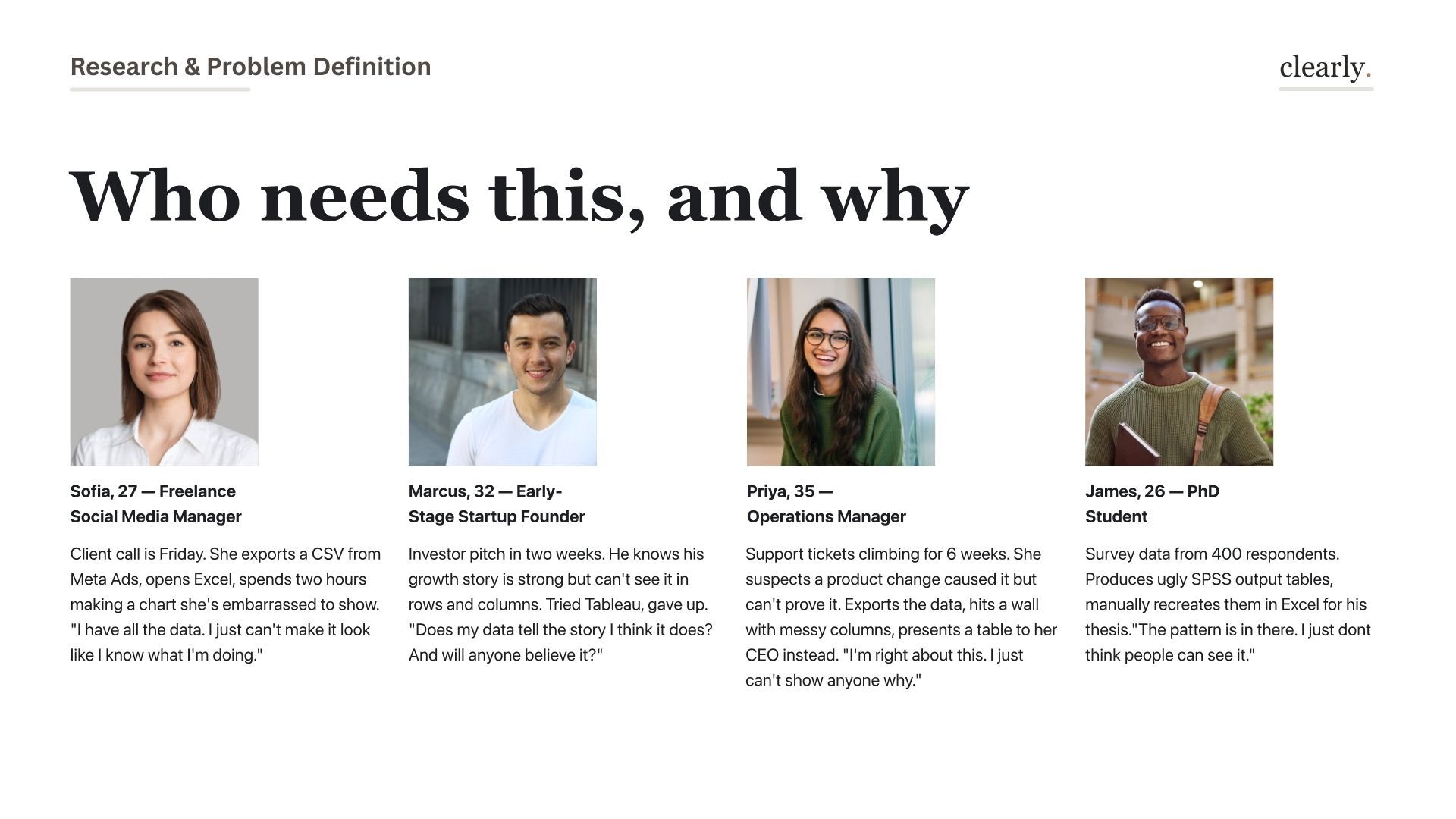
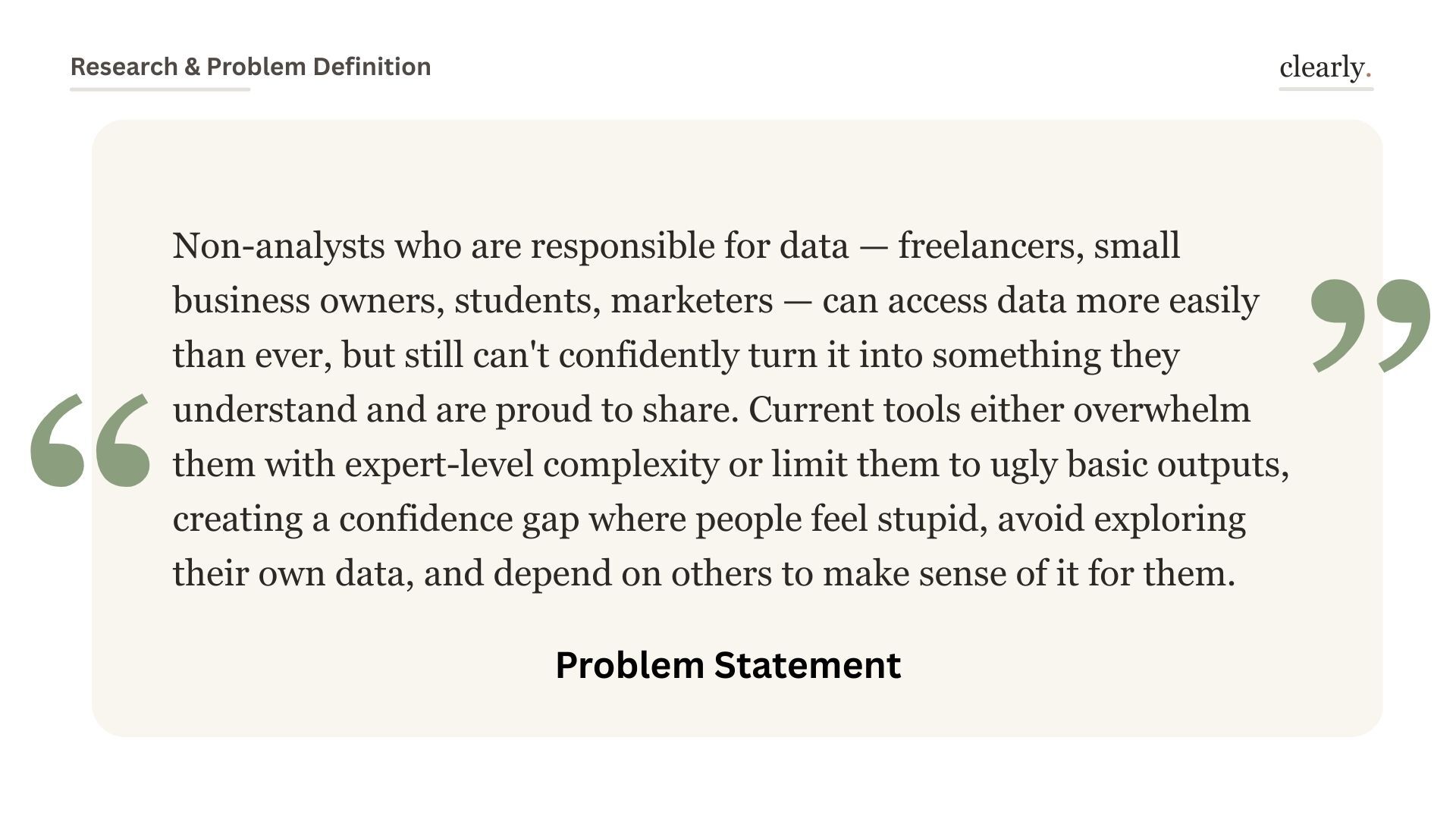
Tableau, Power BI, Datawrapper — all confront users with an empty canvas. They're powerful but expect you to already know what question you're asking.
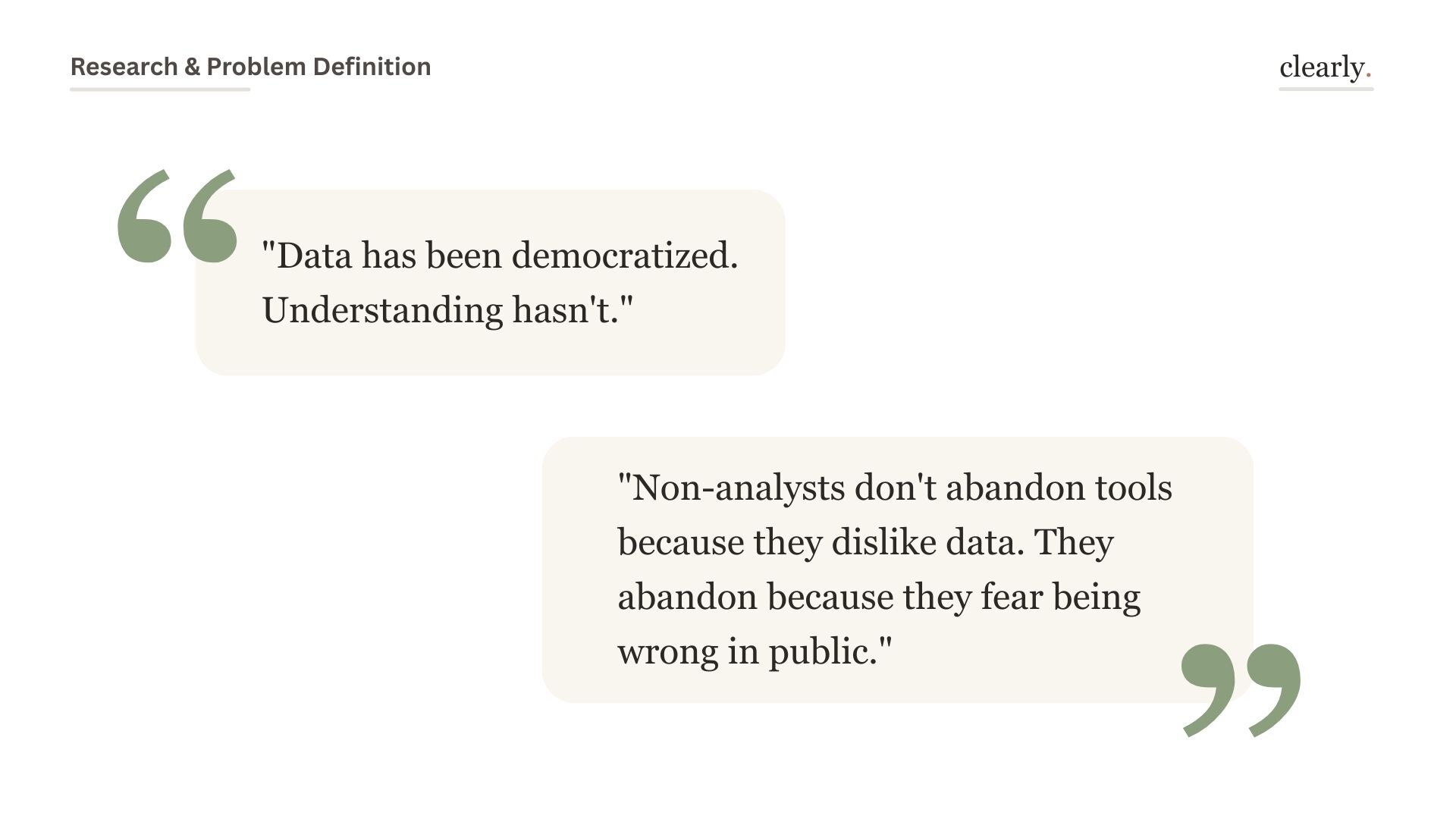
Non-analysts don't abandon data tools because they dislike data. They abandon because they fear picking the wrong chart and looking foolish.
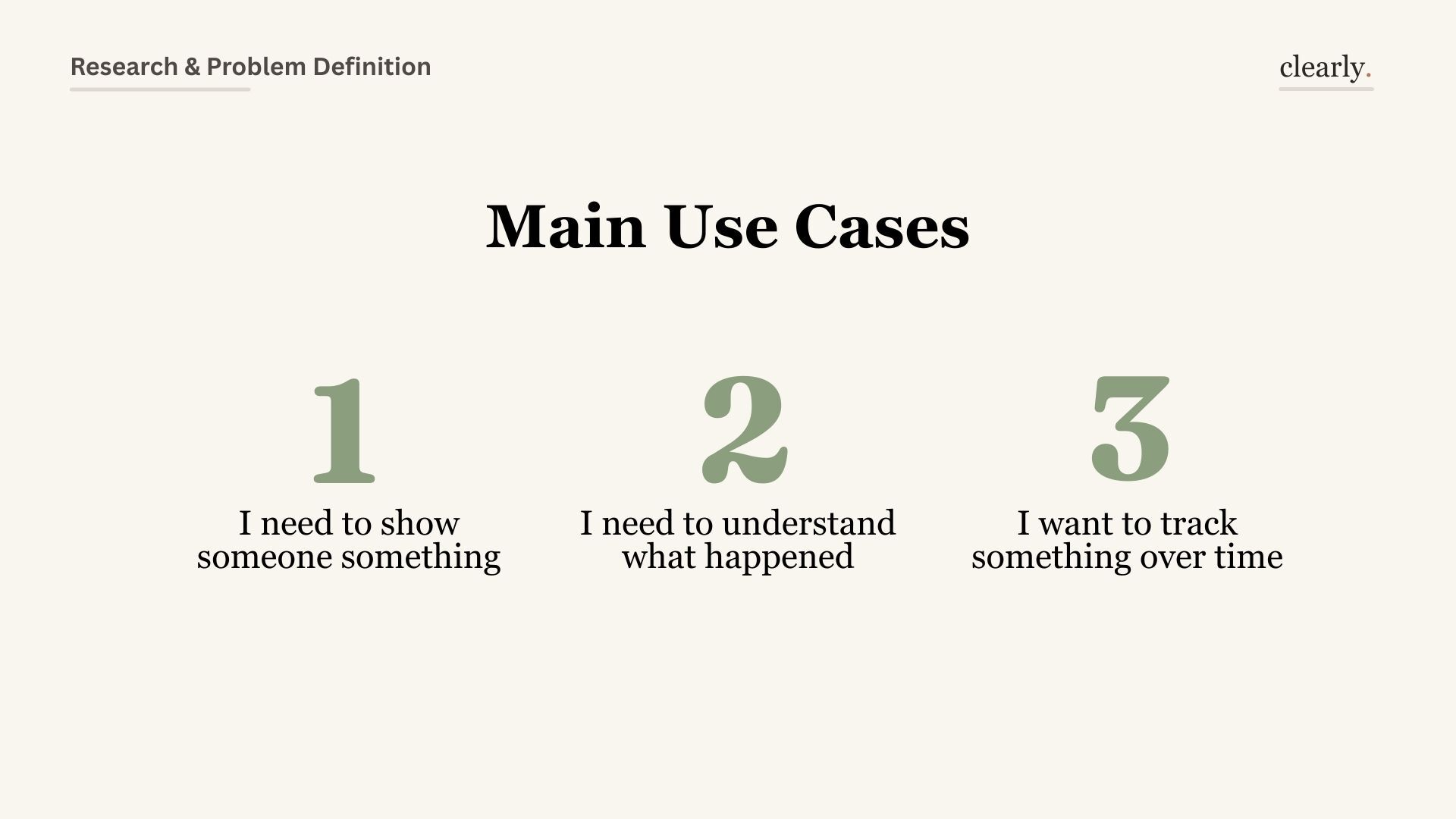
The research surfaced three distinct modes: people who need to show someone something, people who need to understand what just happened, and people tracking a metric over time. Each needs a different kind of guidance — Clearly is designed to detect which mode you're in and adapt.
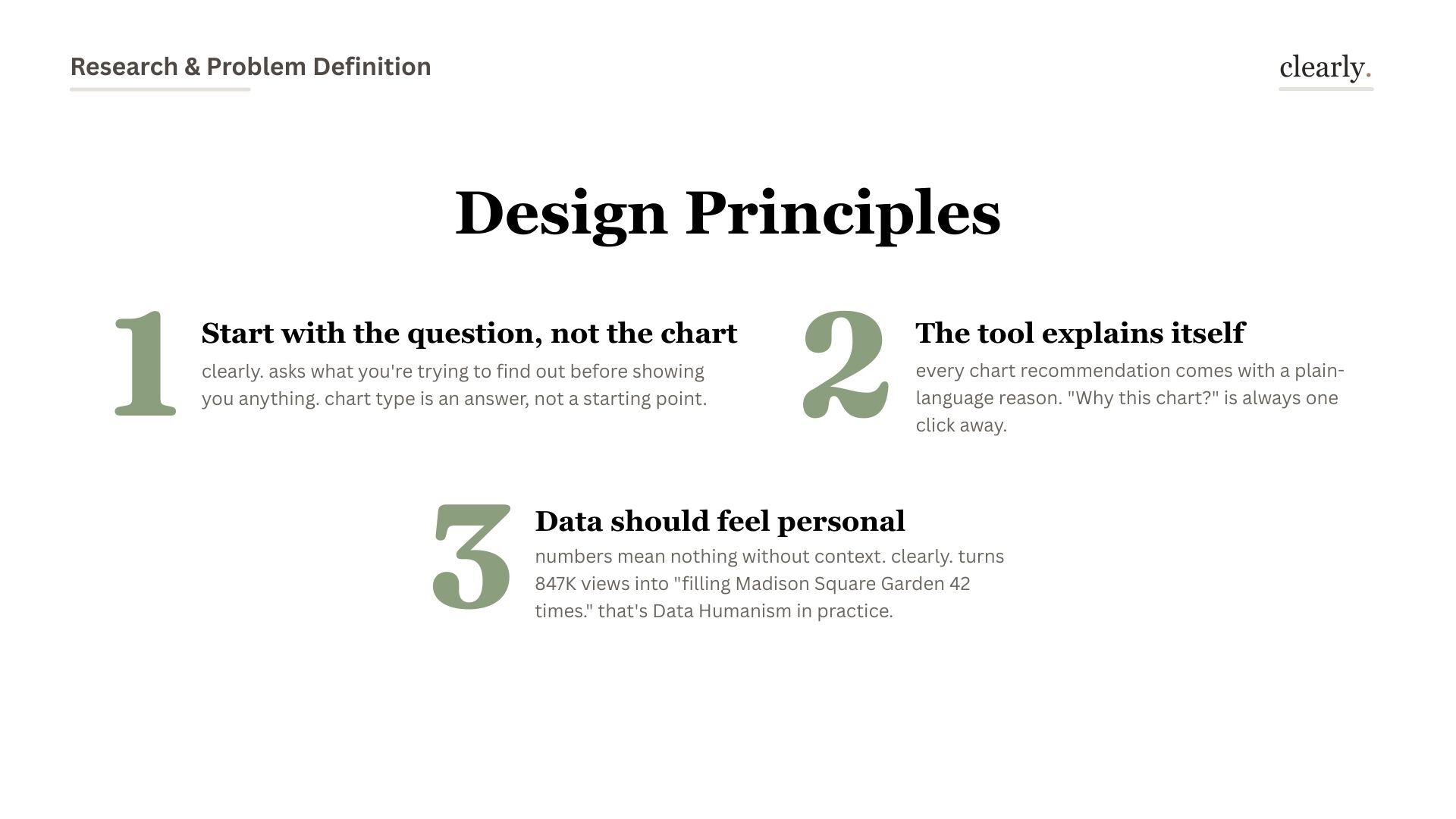
Design decision: Don't ask users to pick a chart type. Ask what they need to understand. The chart type is an answer, not a starting point.
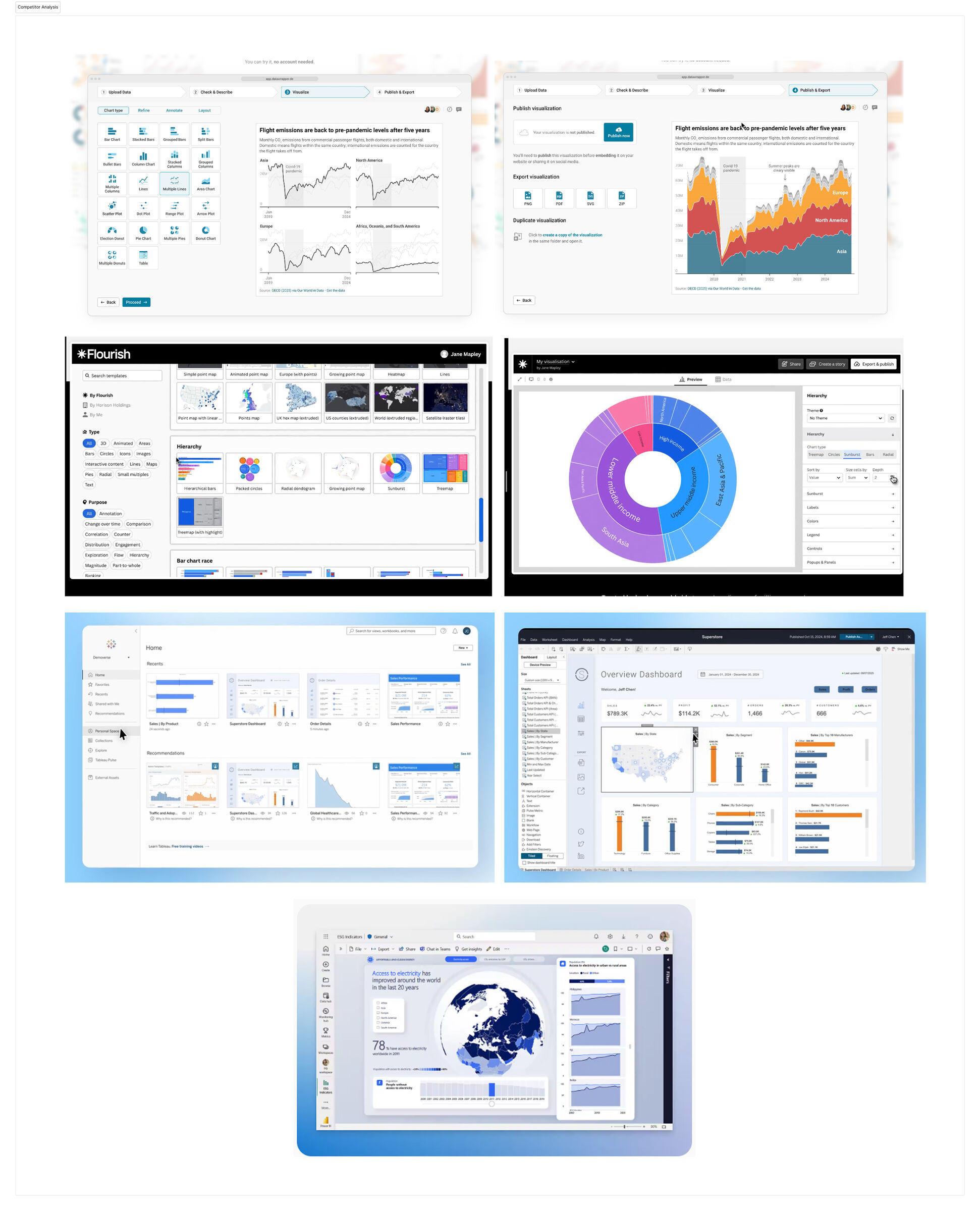
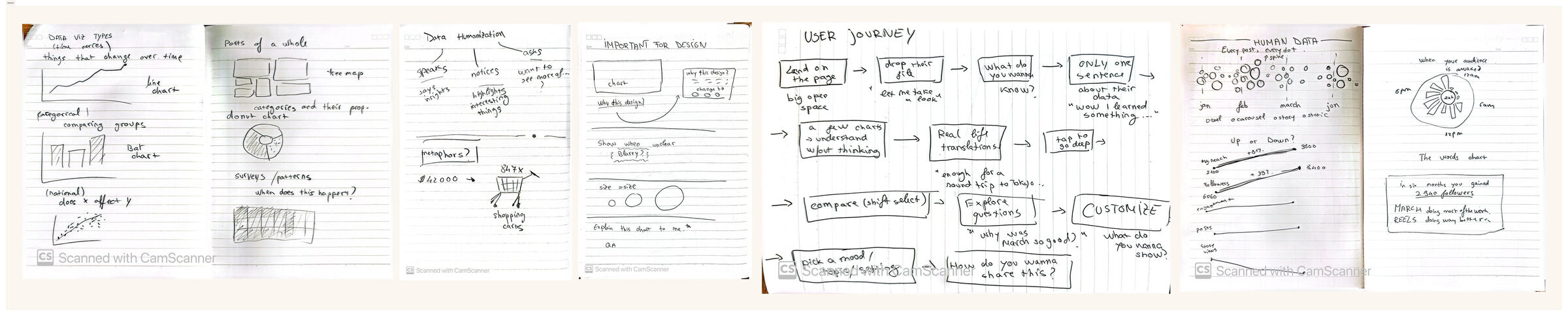
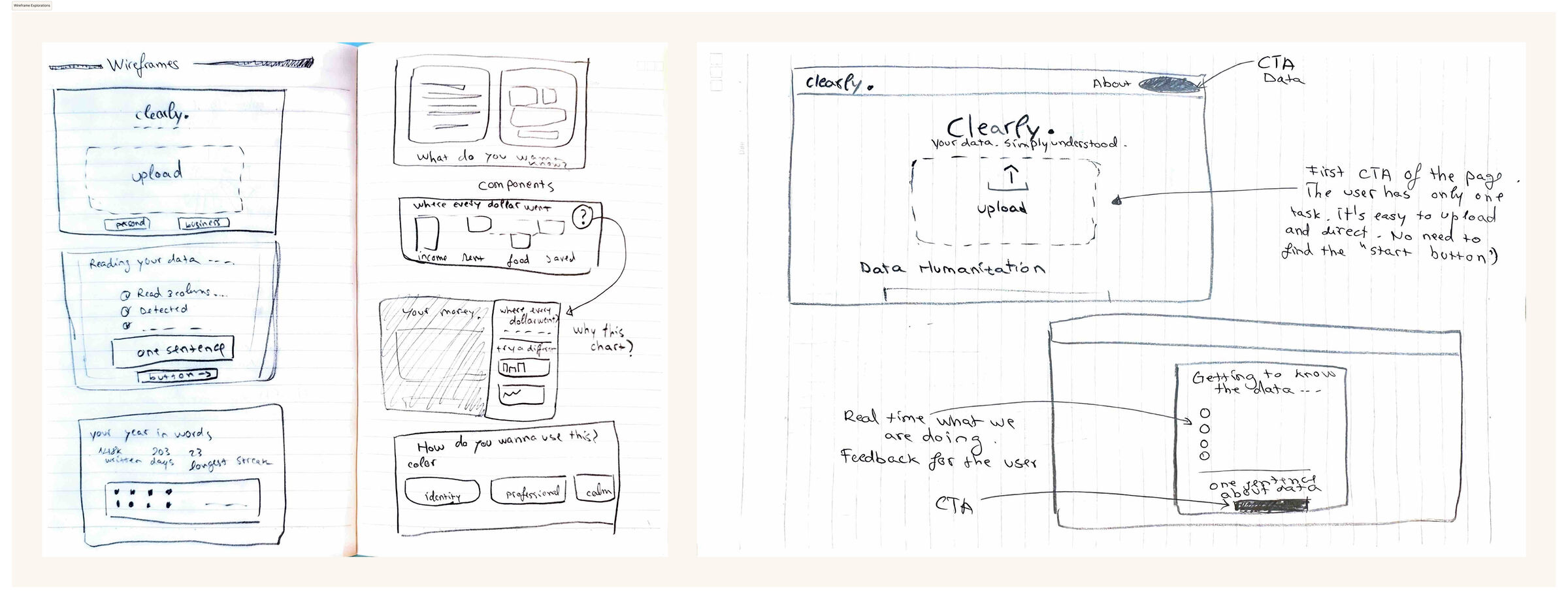
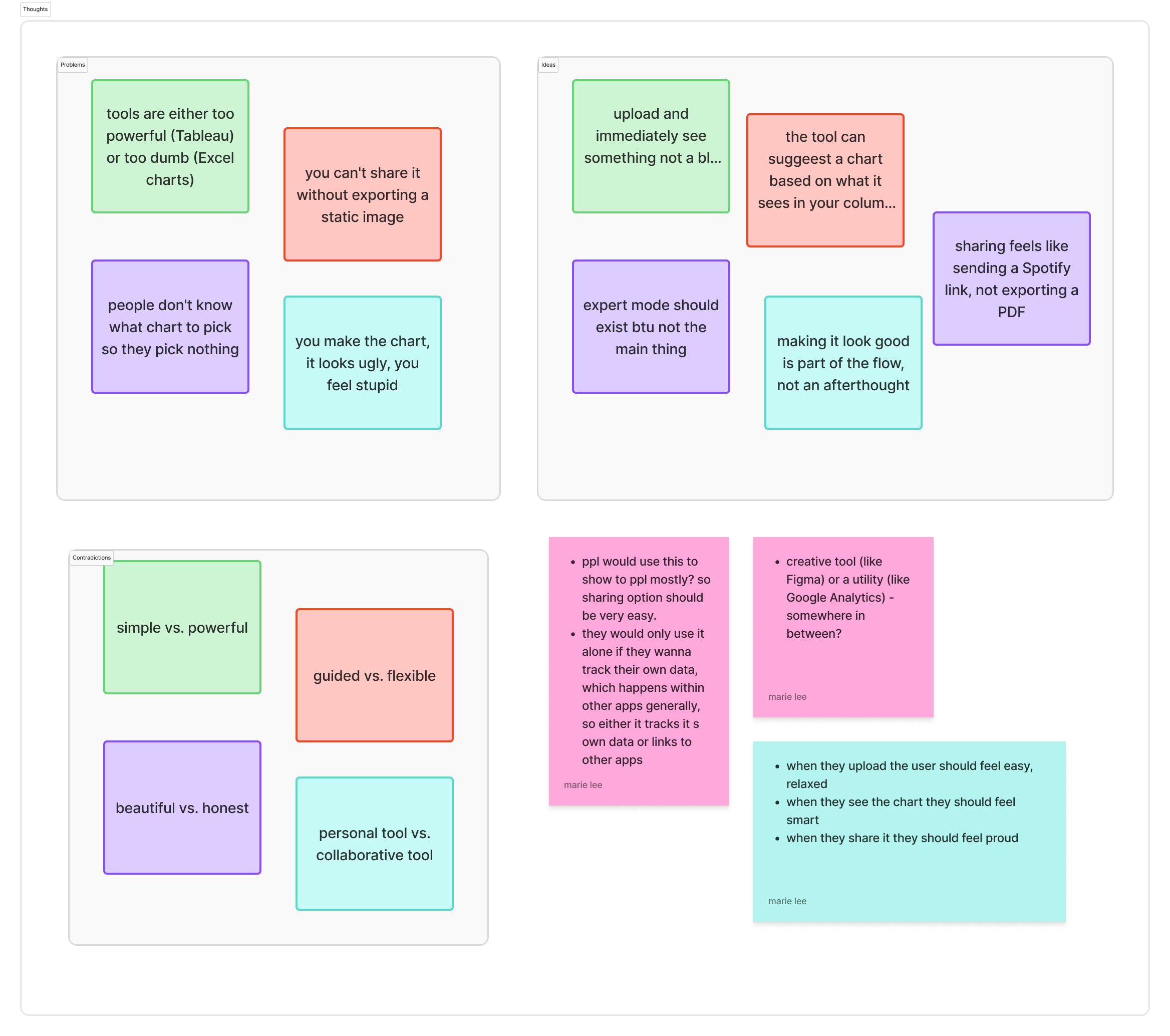
Every visualization is an answer to a question. The tool should surface the question first, and the chart will almost pick itself.
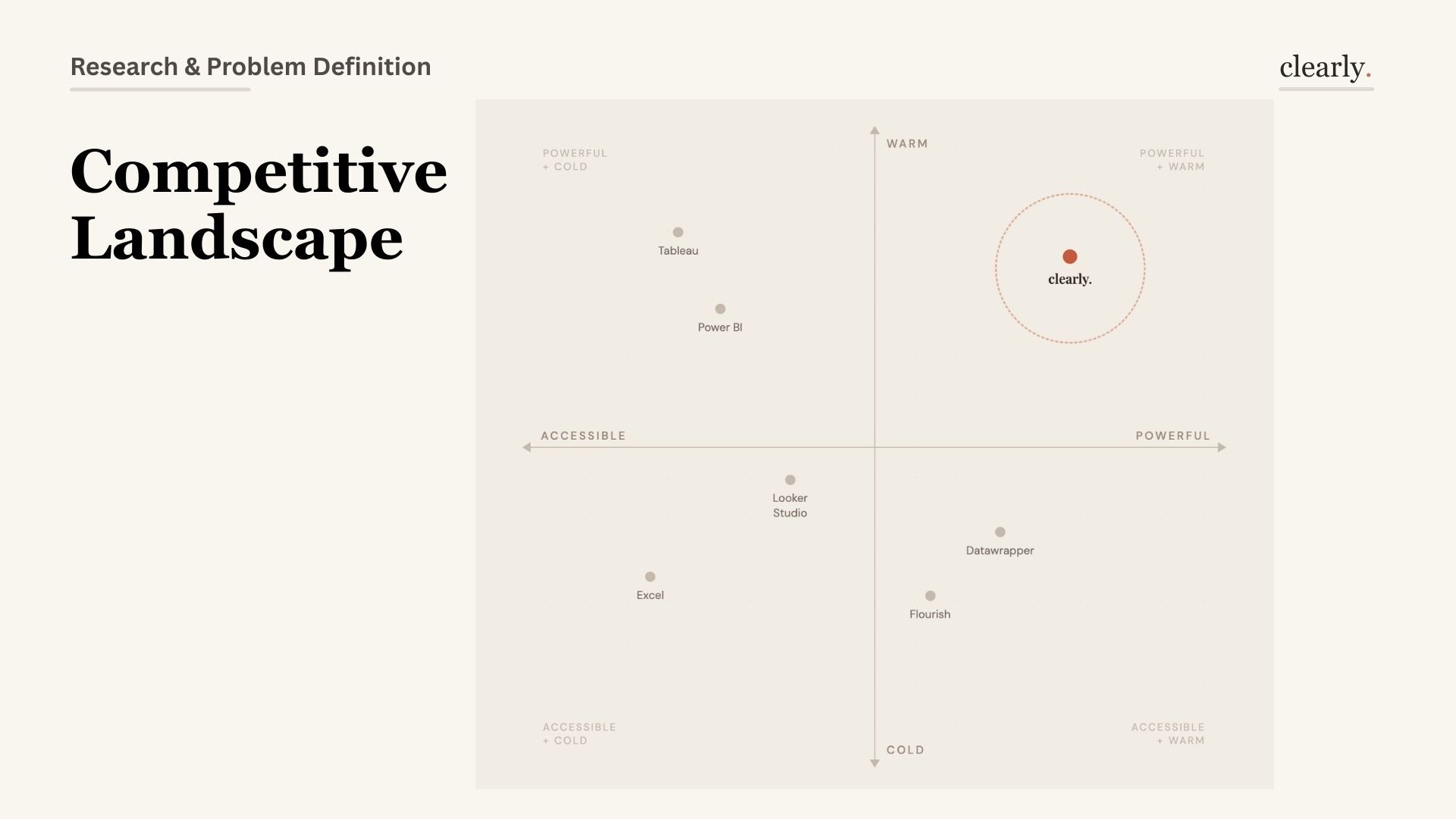
No tool occupies the top-right quadrant: powerful enough to be useful, warm enough to feel safe. That's the entire Clearly positioning.
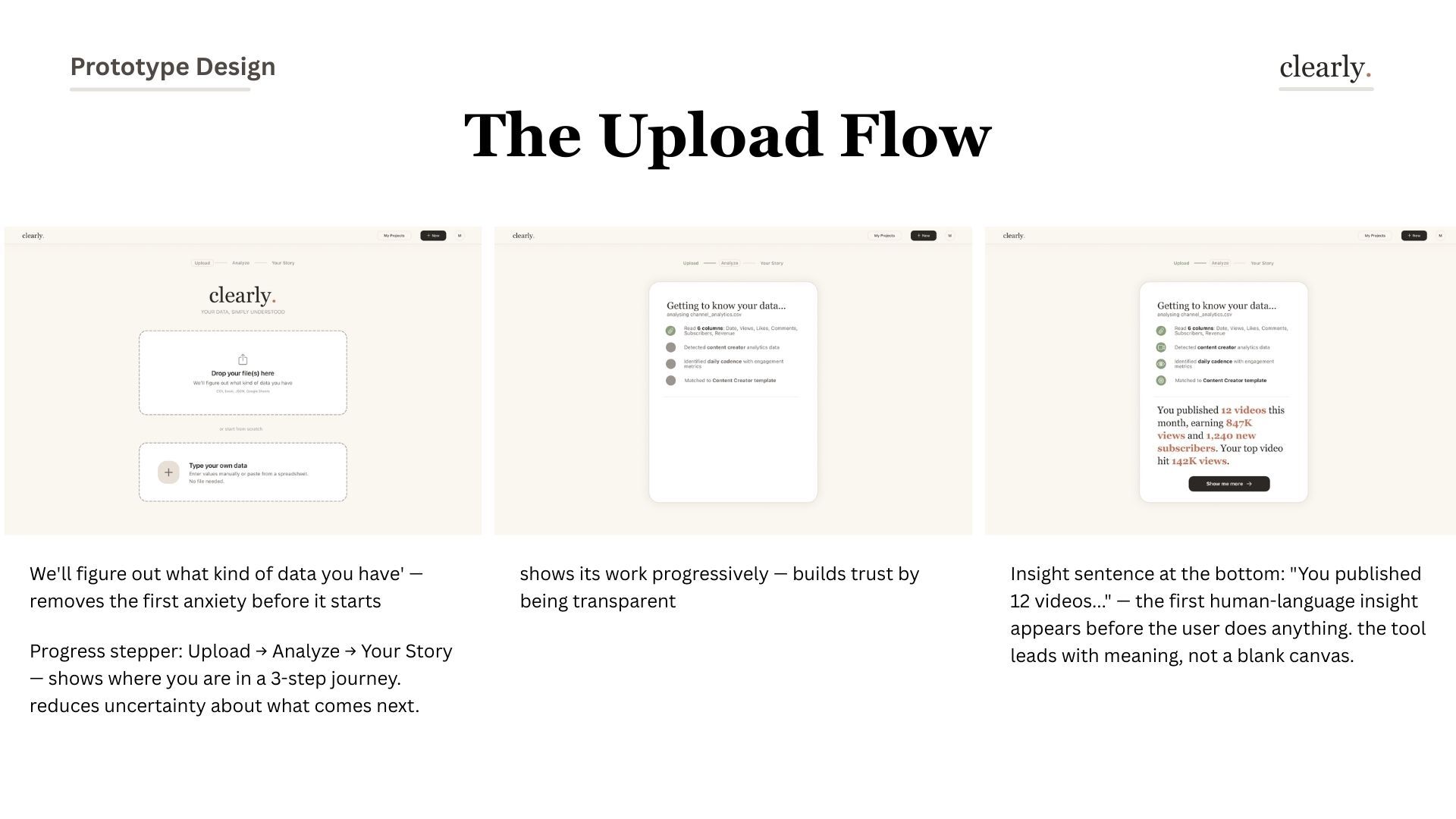
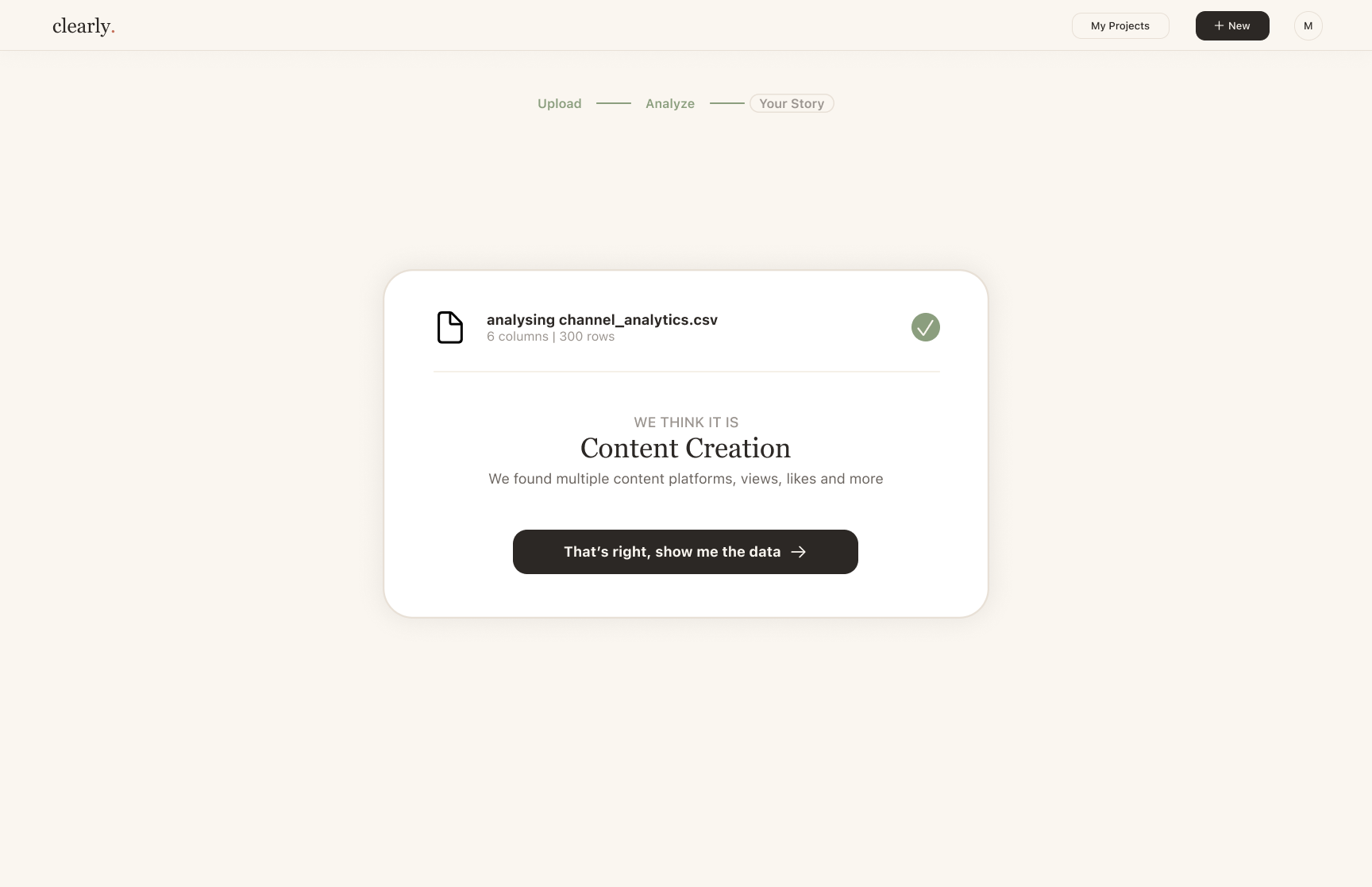
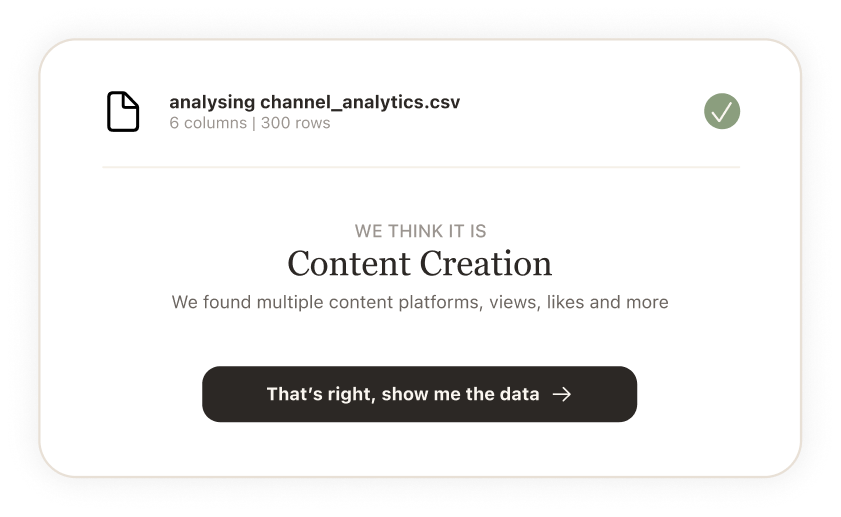
Users don't trust a tool that knows too much. They trust one that shows its work — "we detected 6 columns" builds more confidence than a magic import.
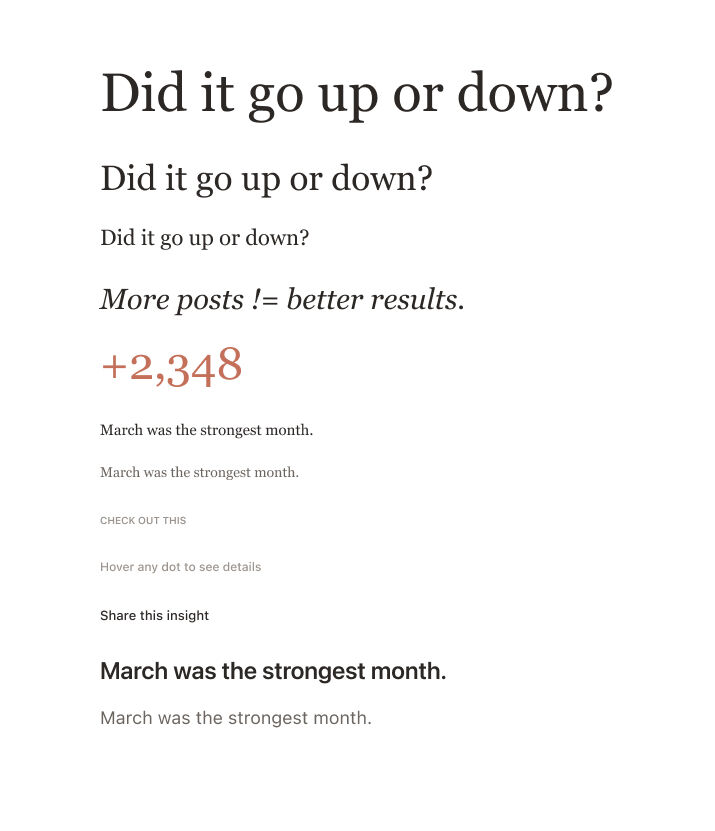
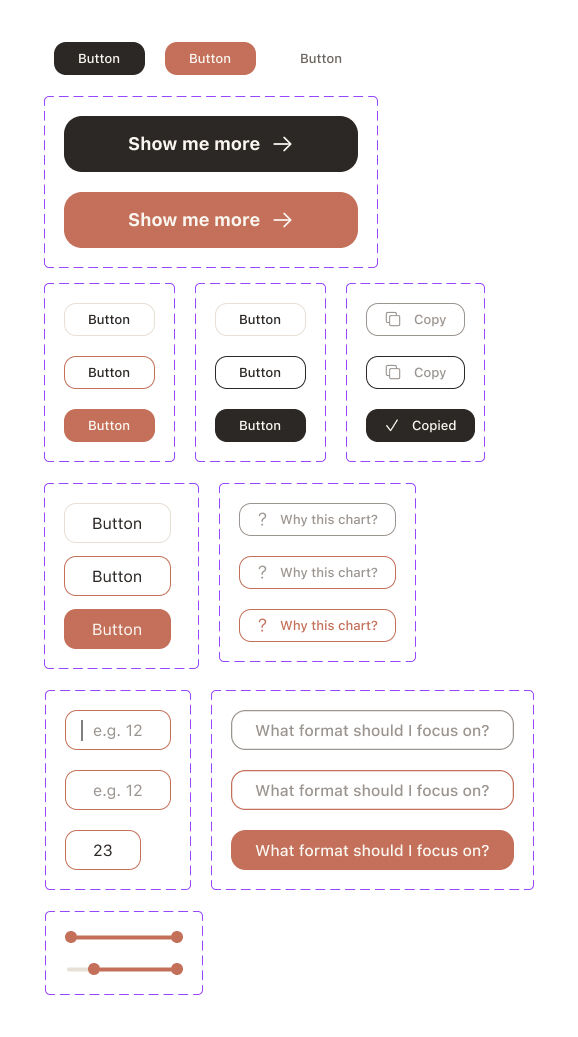
Terra cotta, sage, cream — nothing neon, nothing aggressive. Serif for everything human (headlines, insights, body). Sans-serif for everything functional (labels, buttons, captions). The design language had to make data feel approachable, not intimidating.
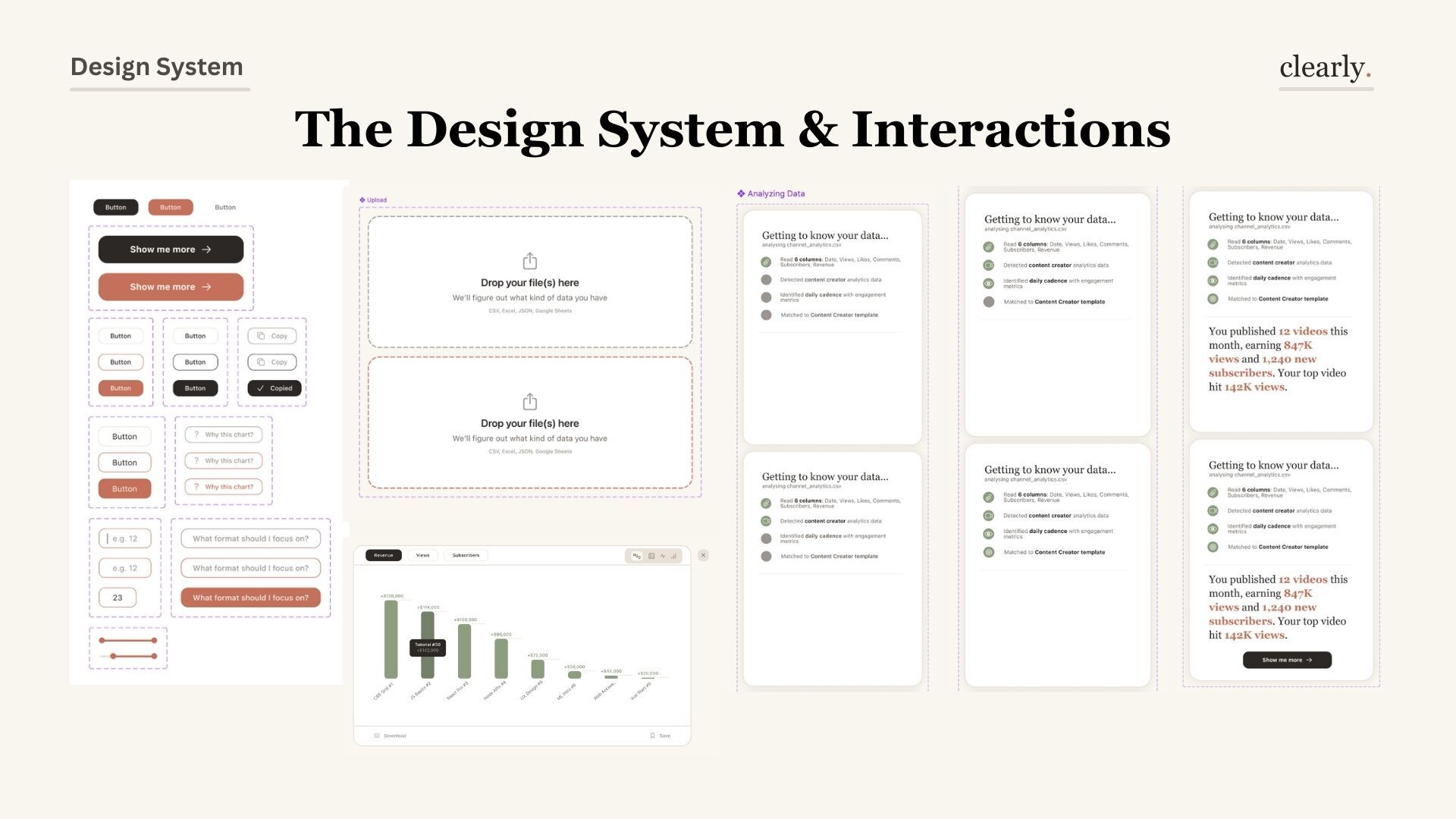

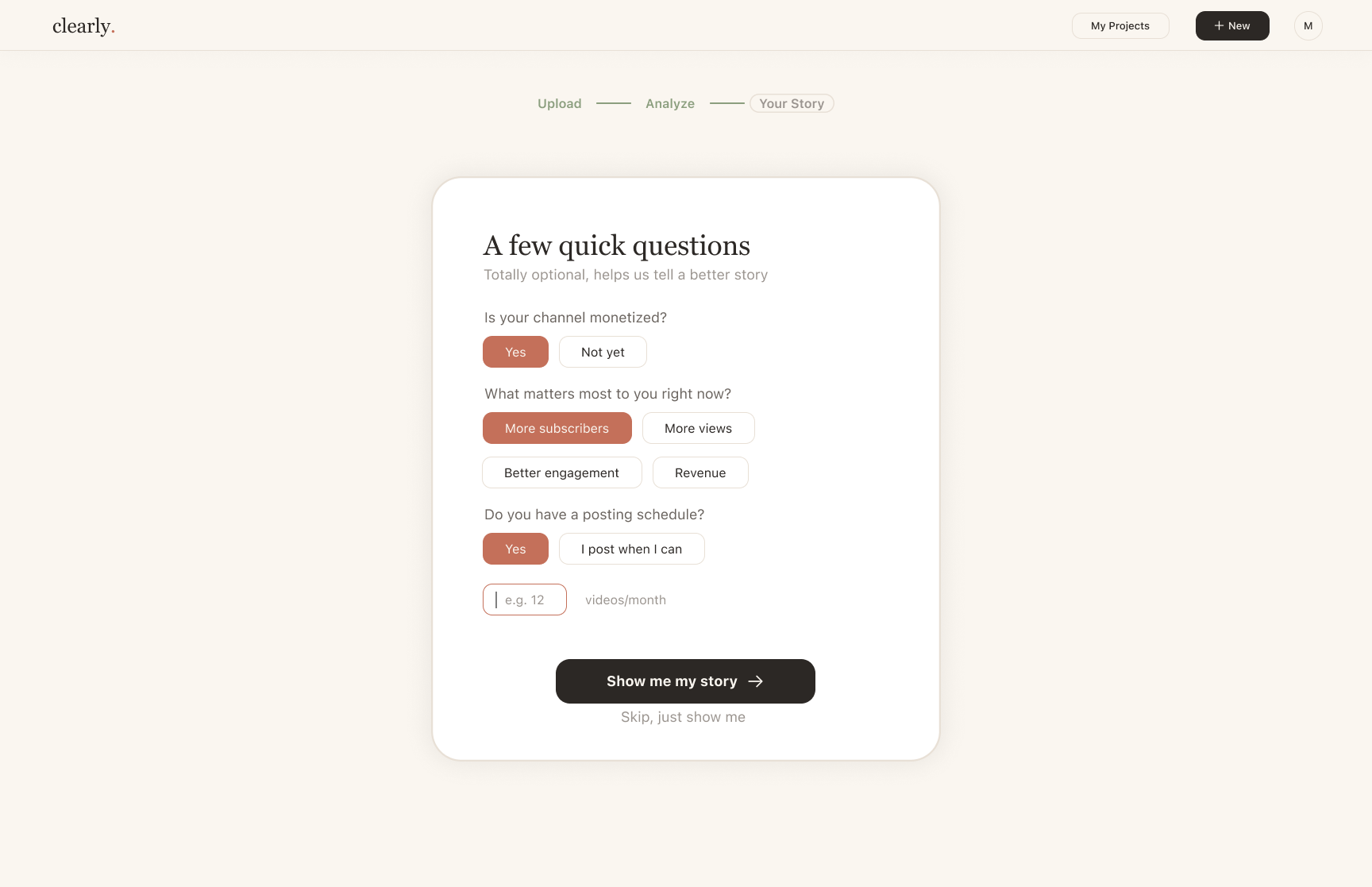
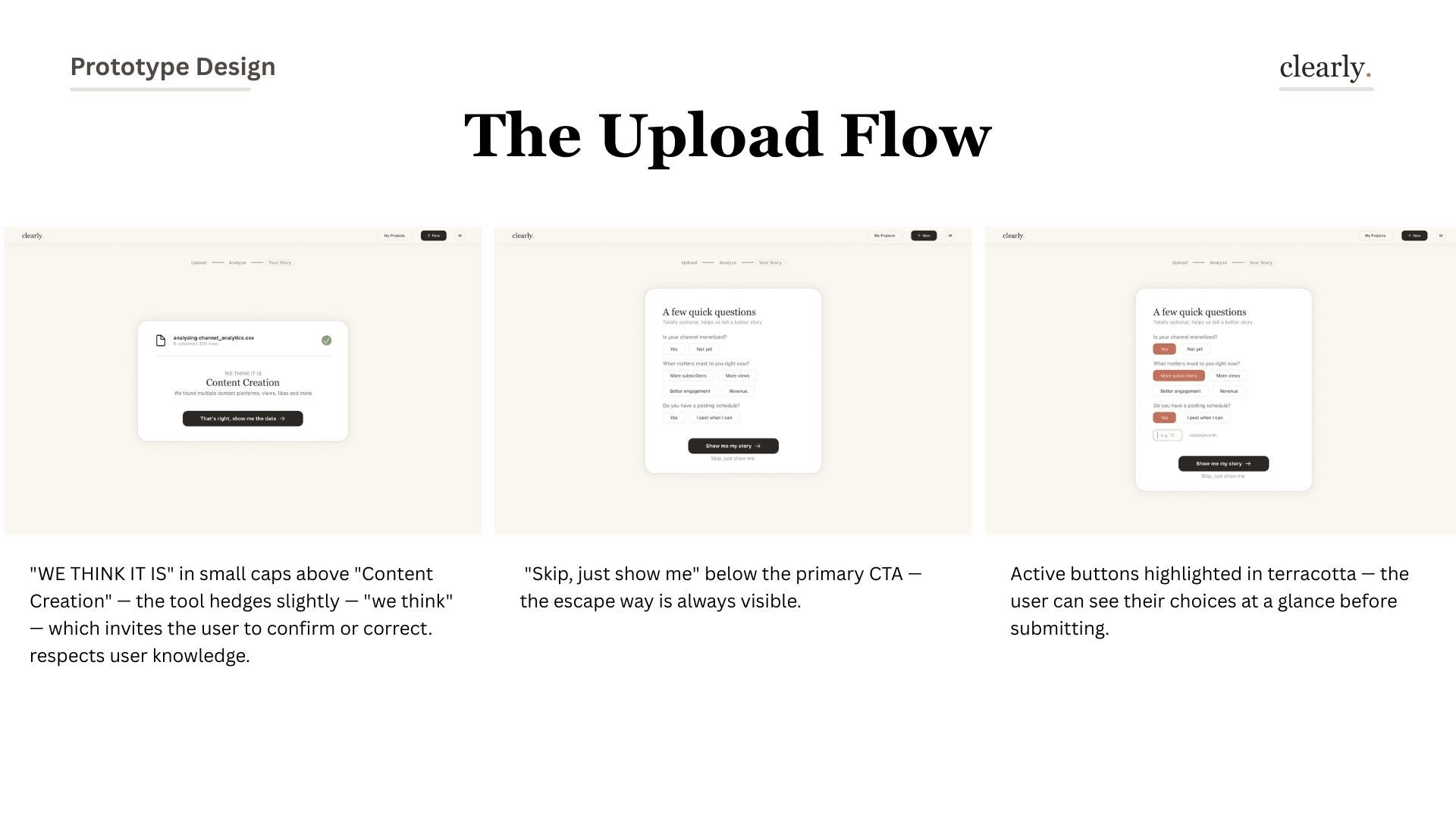
Clearly doesn't ask users to choose a chart type. It walks them through a conversation: upload, get to know, ask questions, interpret, then visualize. Each step builds understanding before demanding any decision.
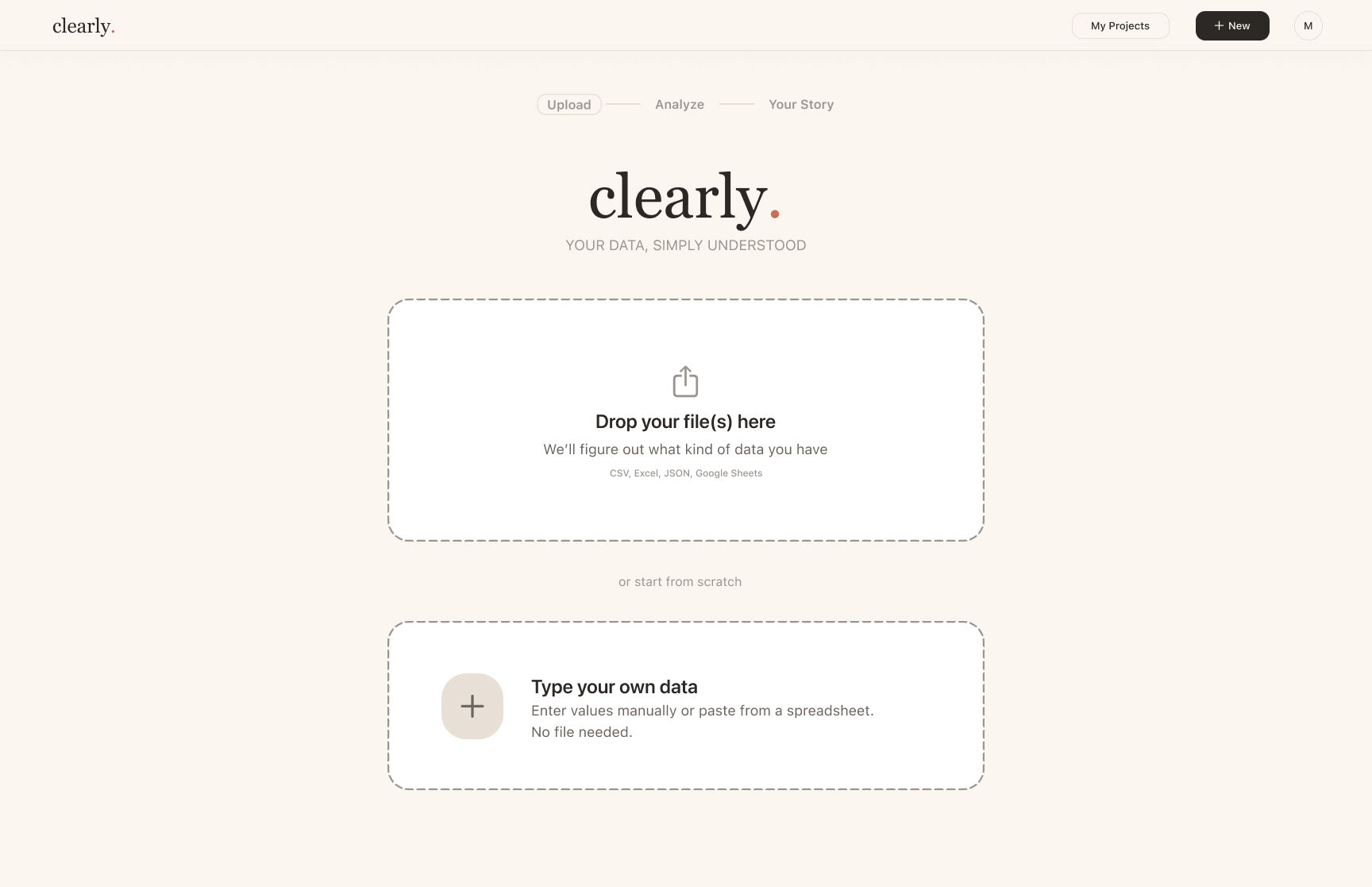
Drop in any file
Data introduces itself
What do you want to know?
Meaning before charts
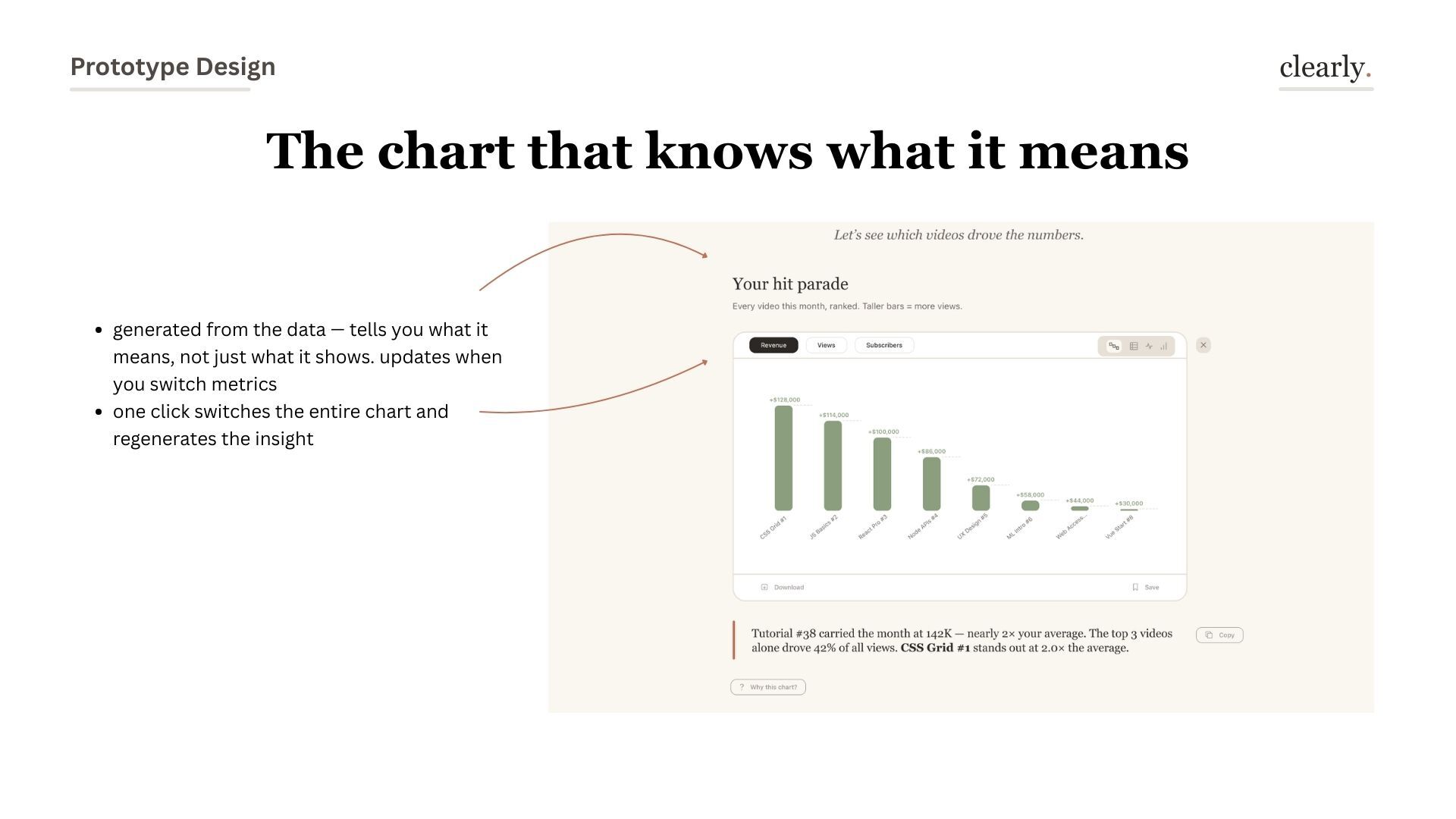
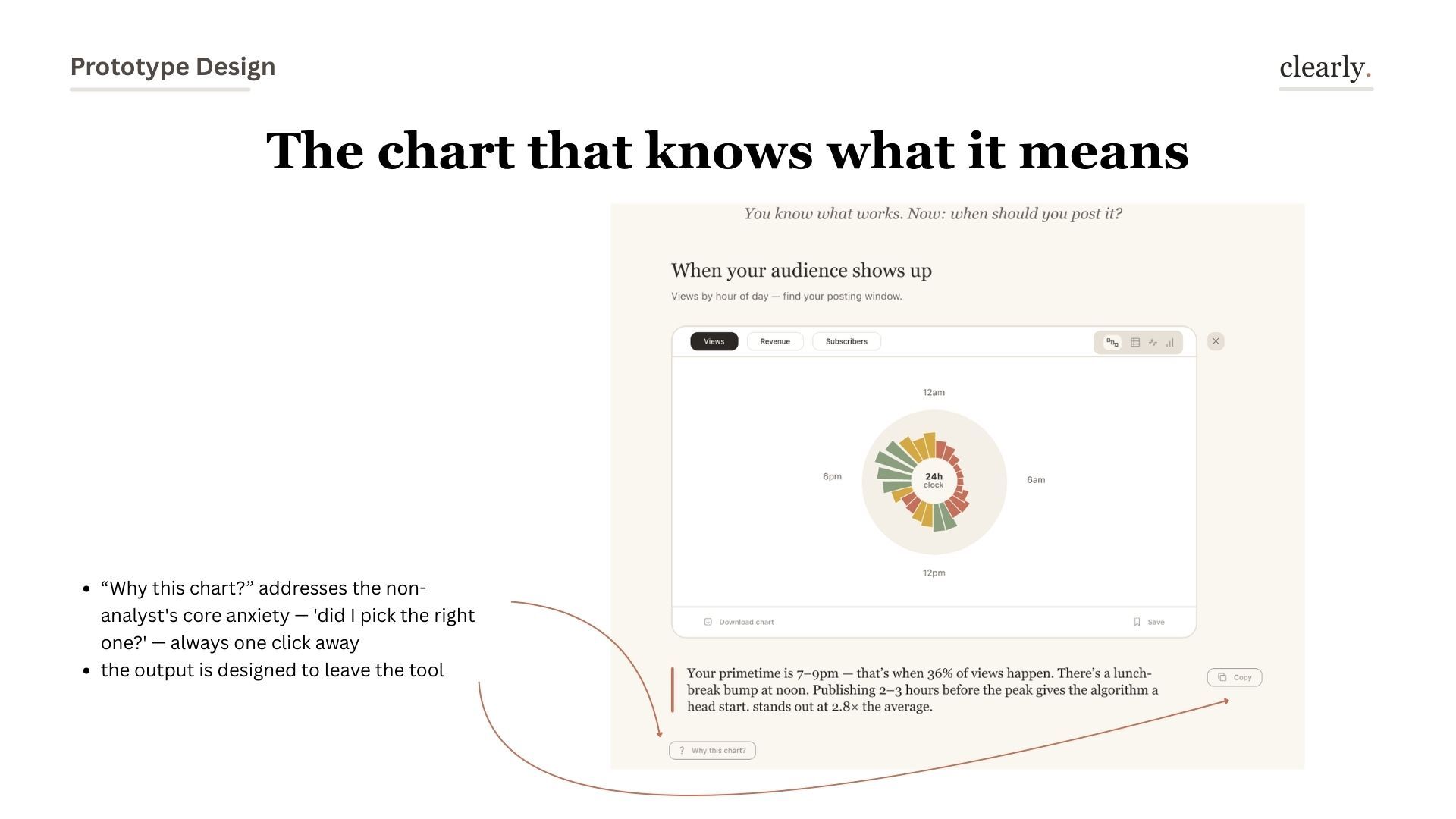
Chart that explains itself
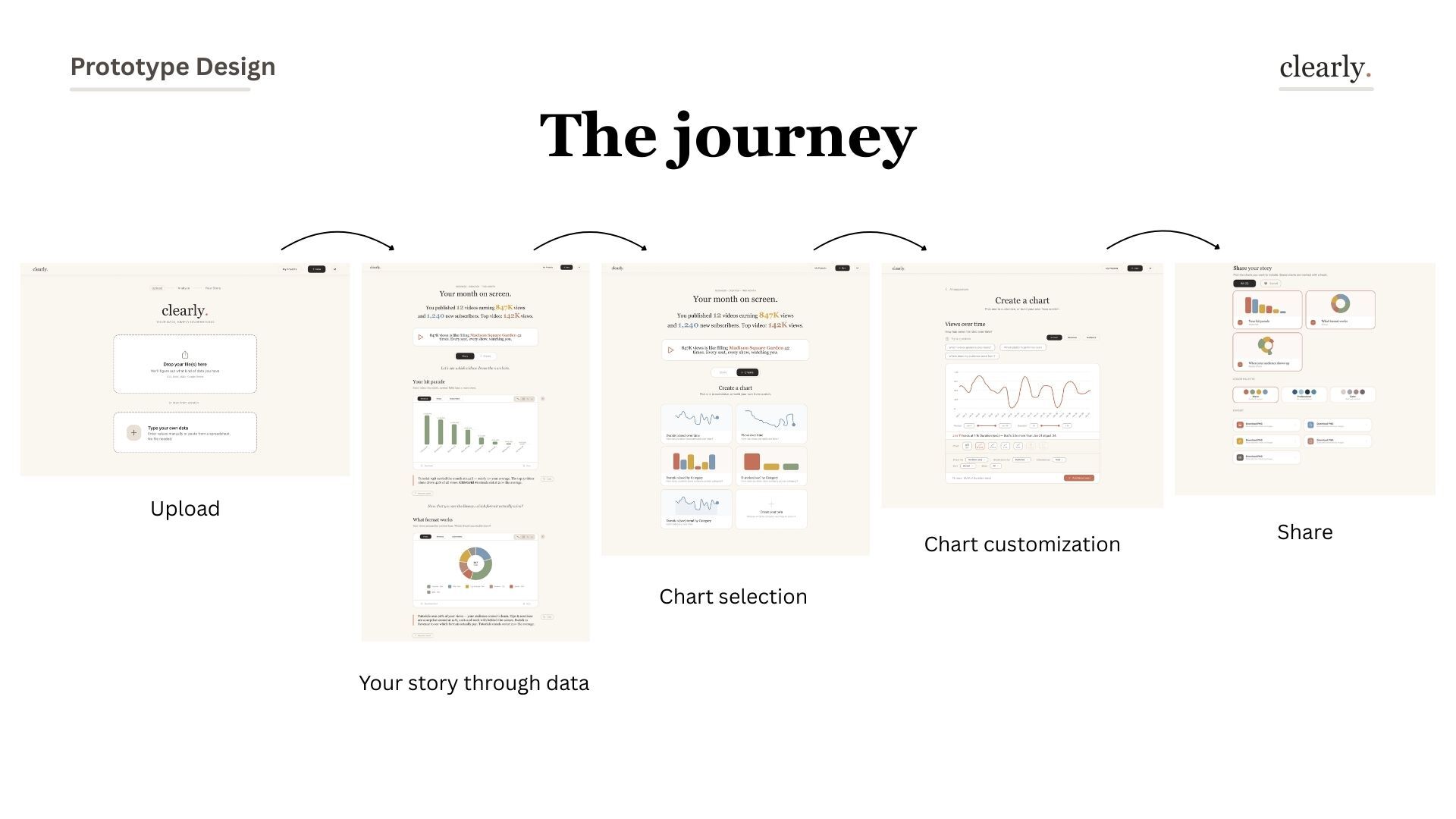
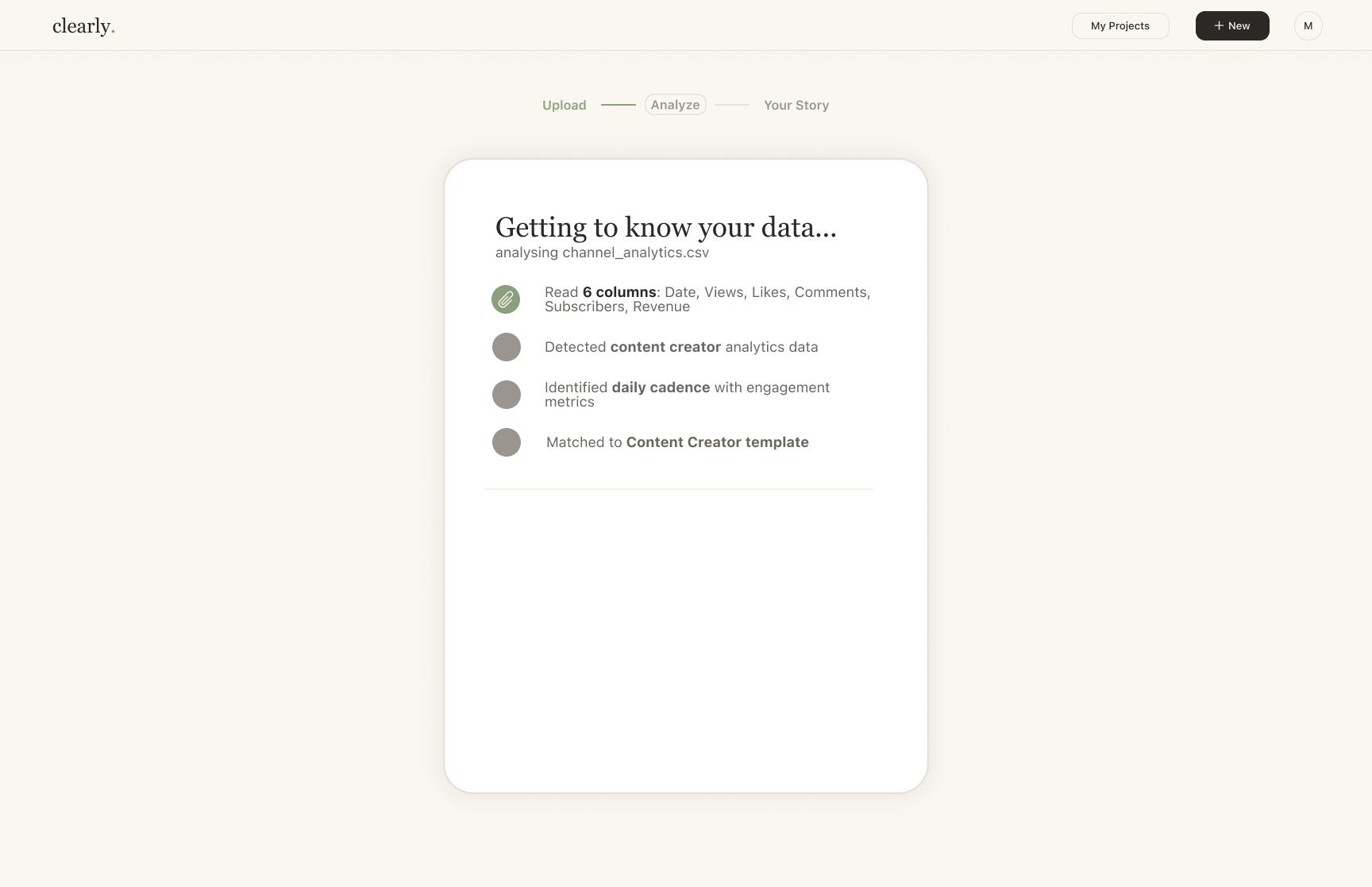
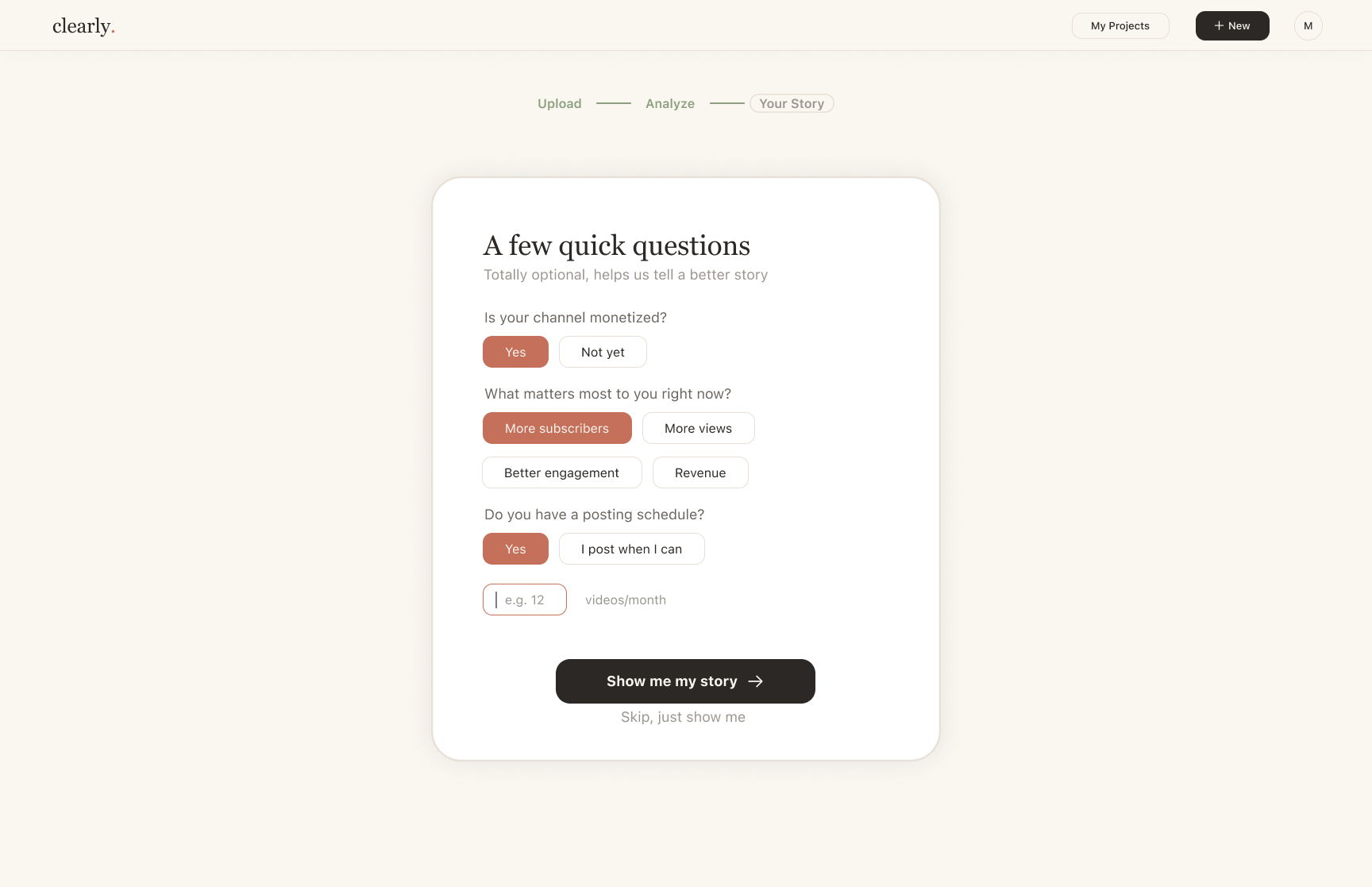

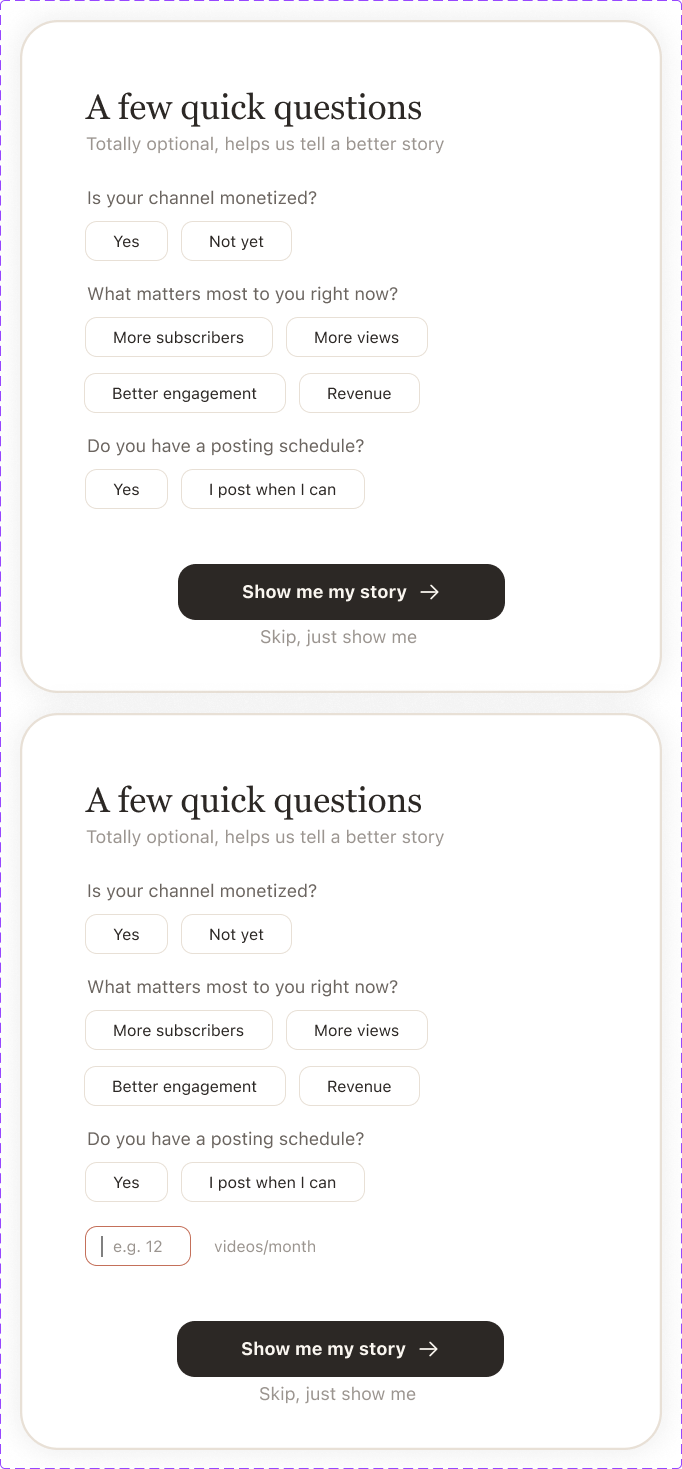
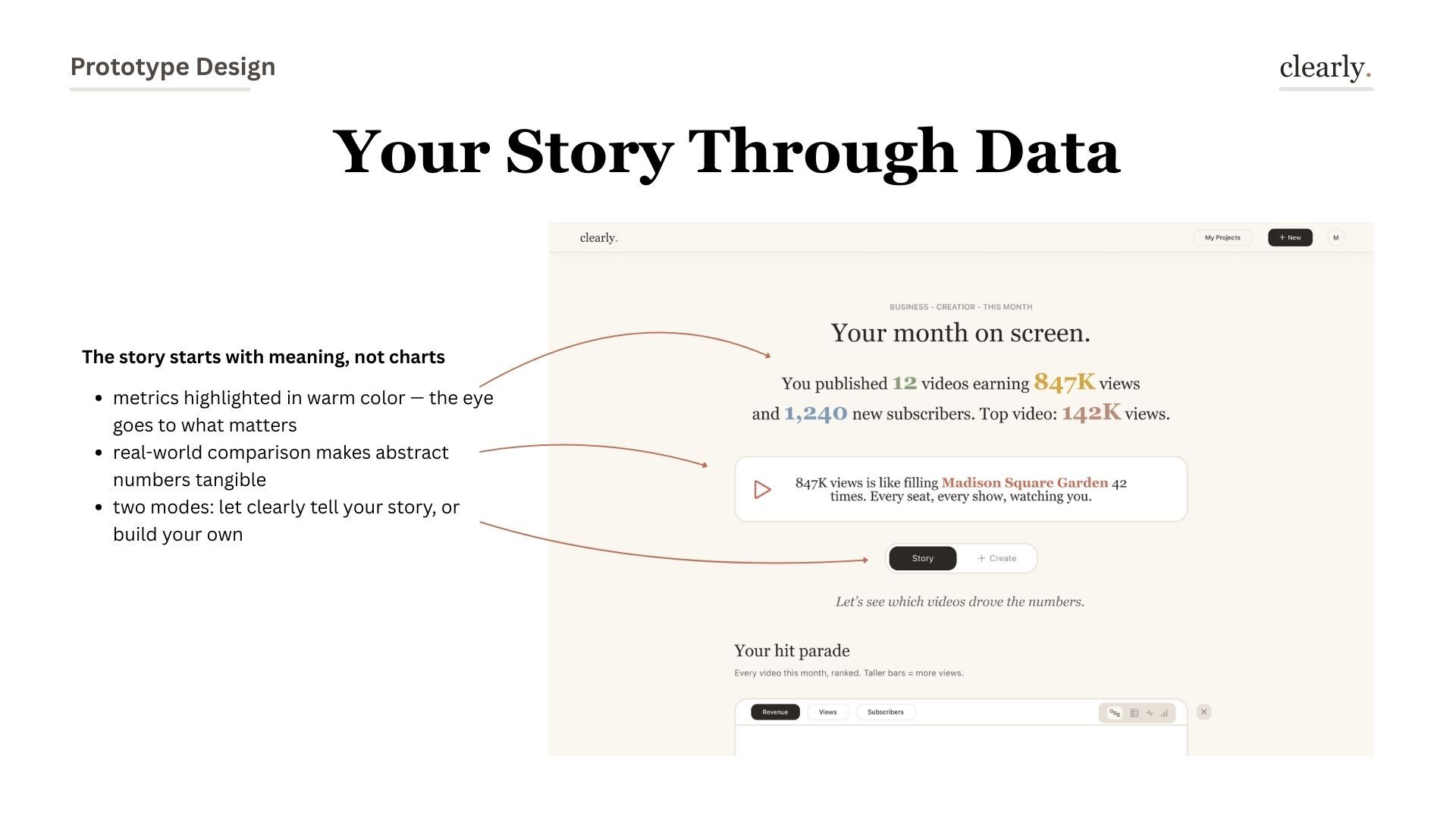
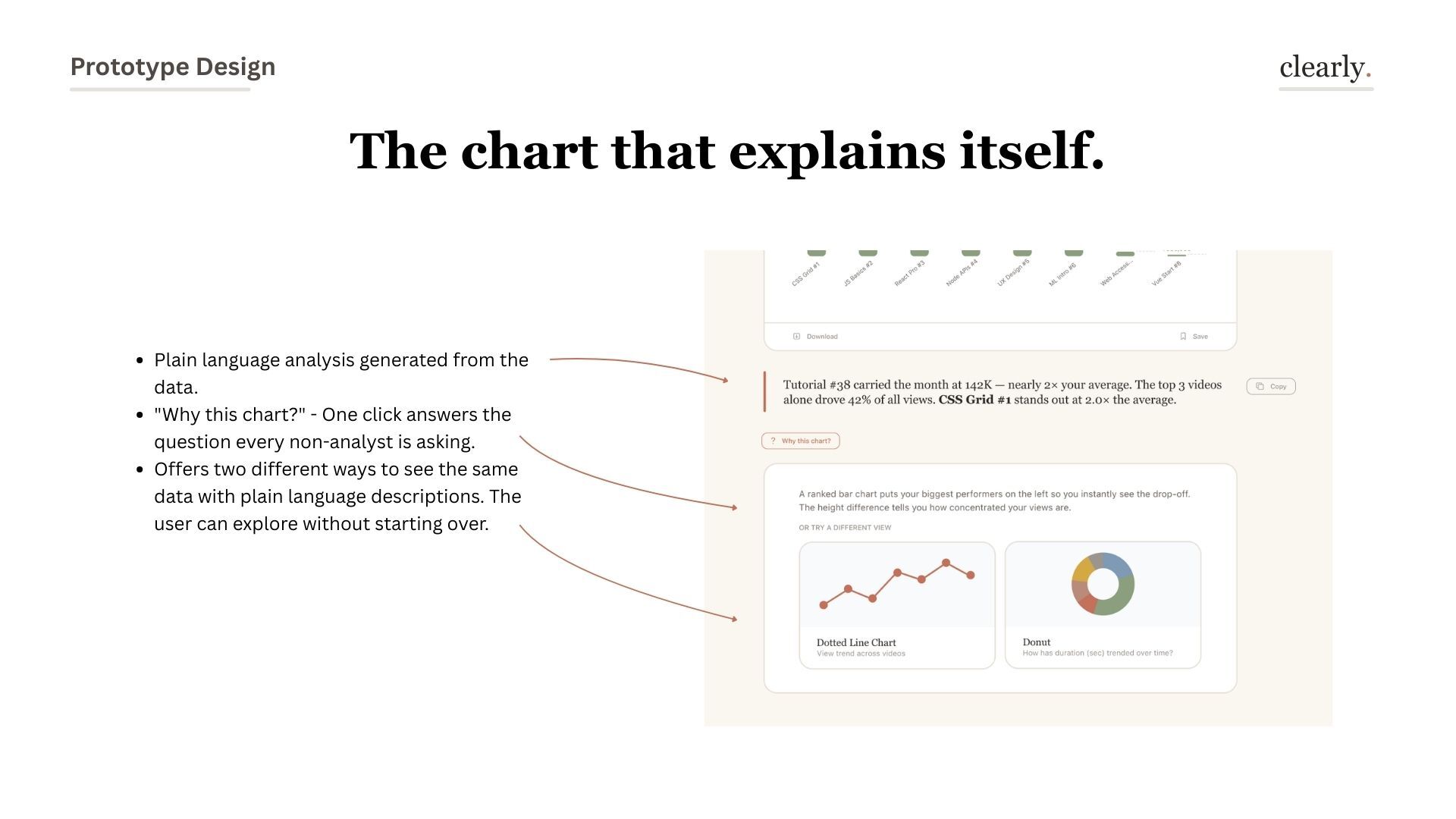
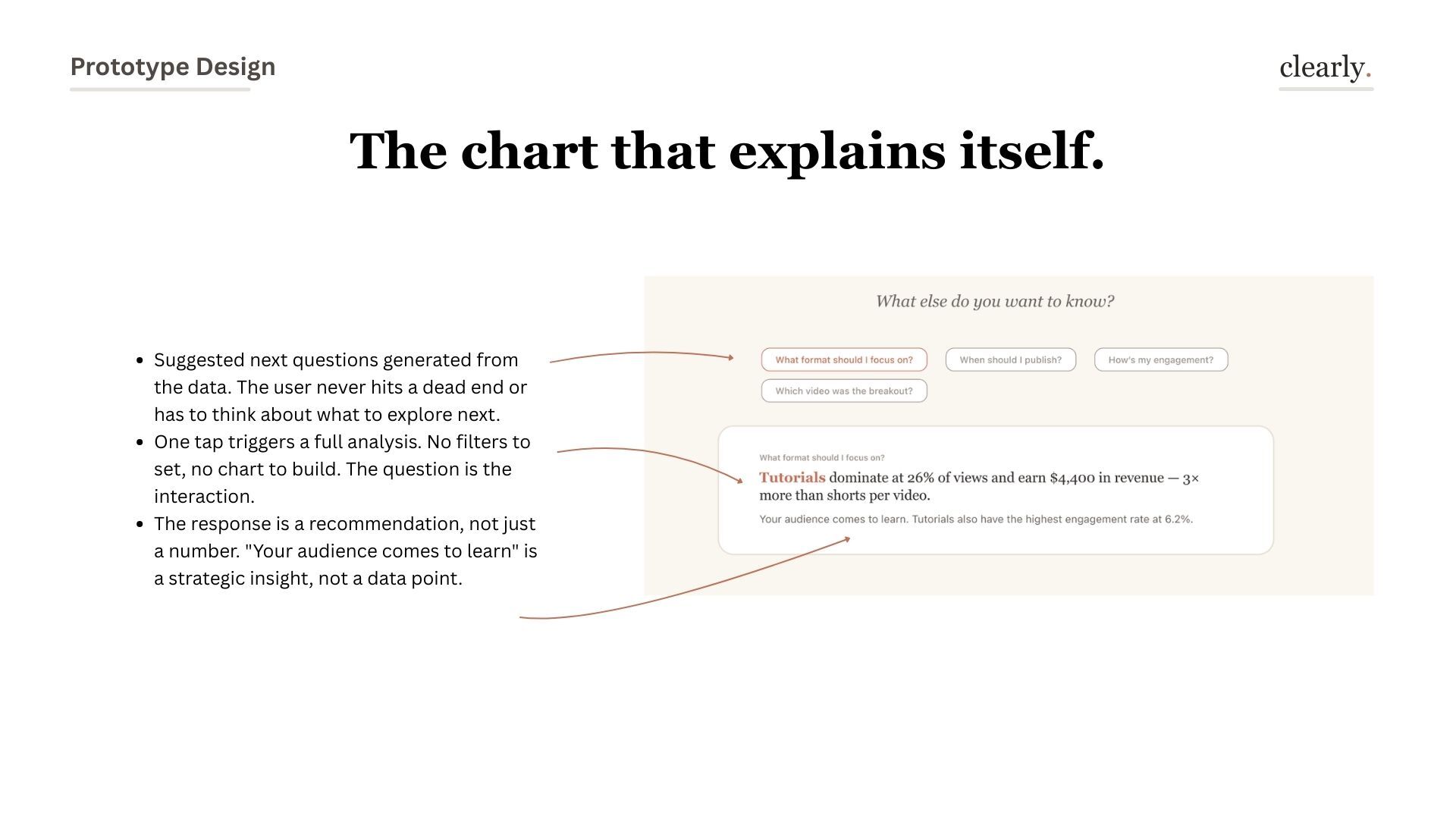
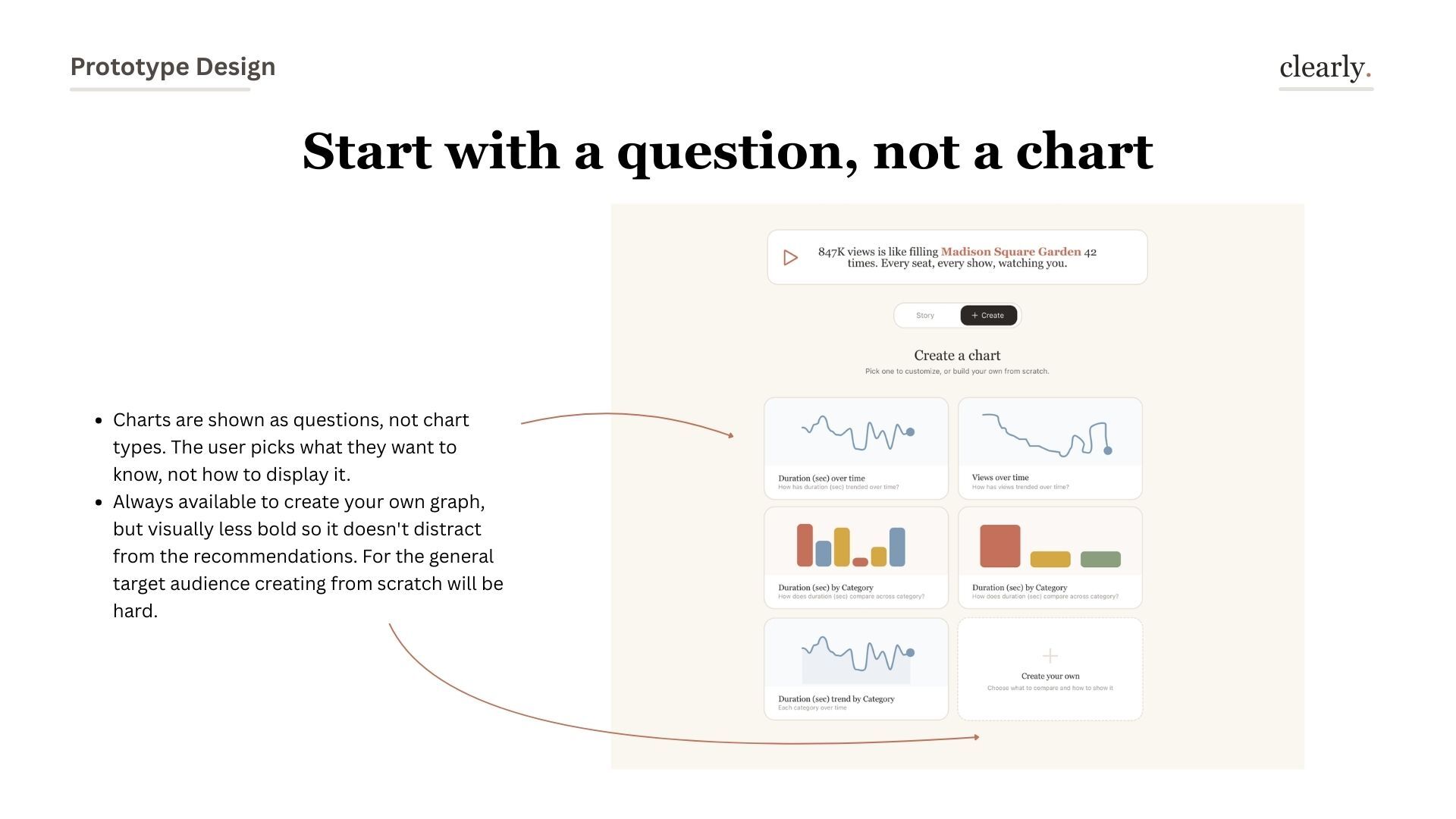
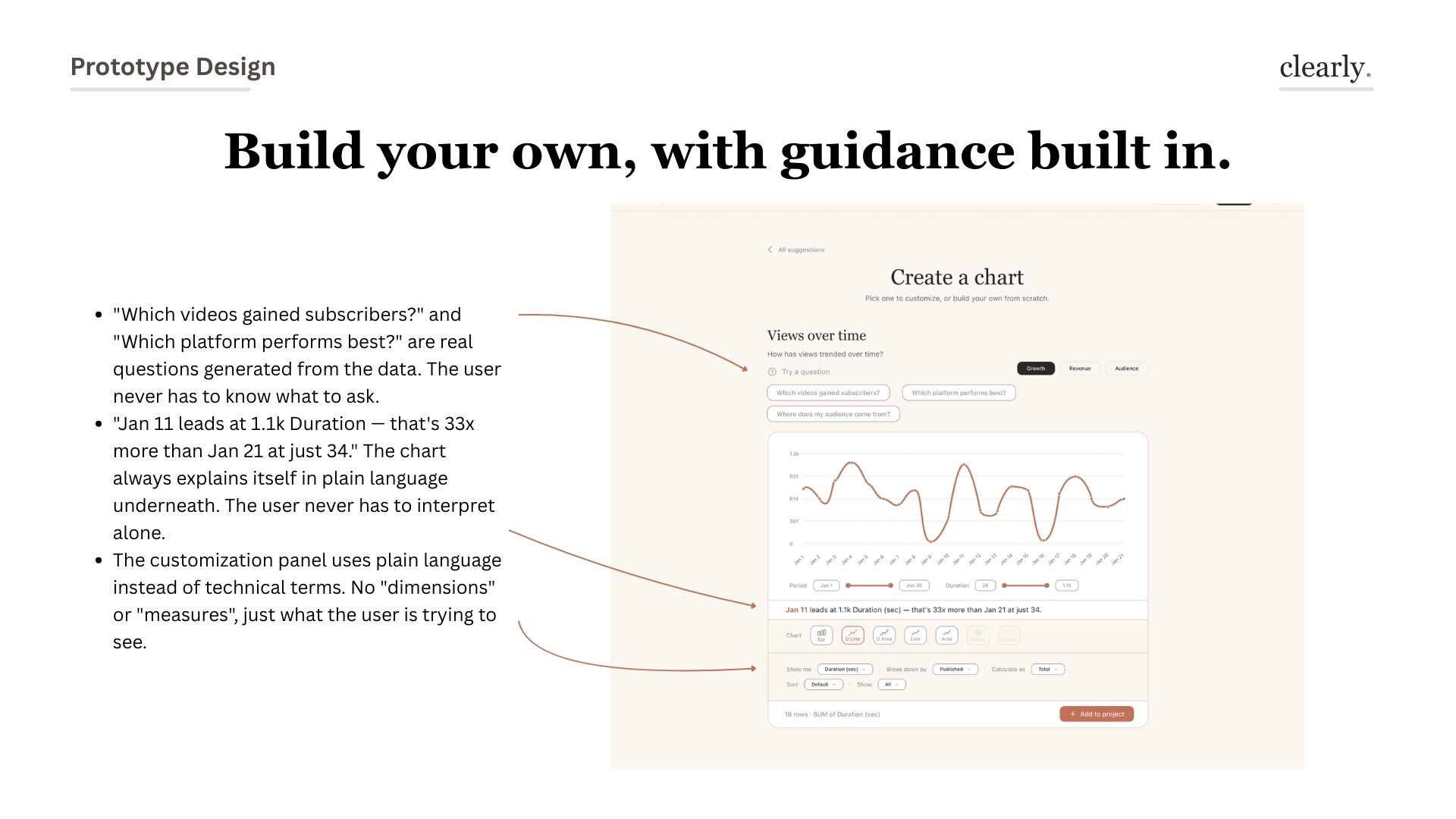
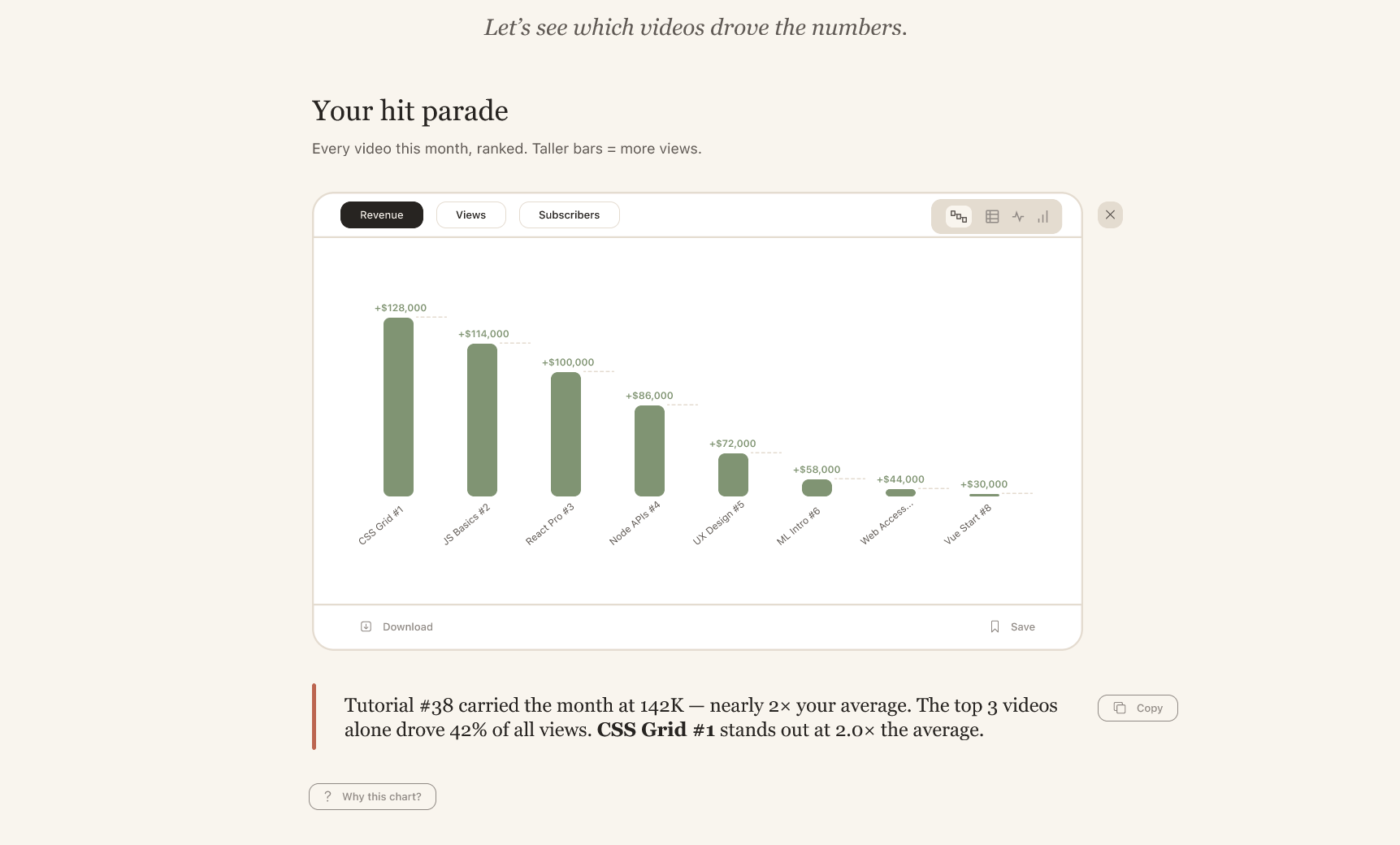
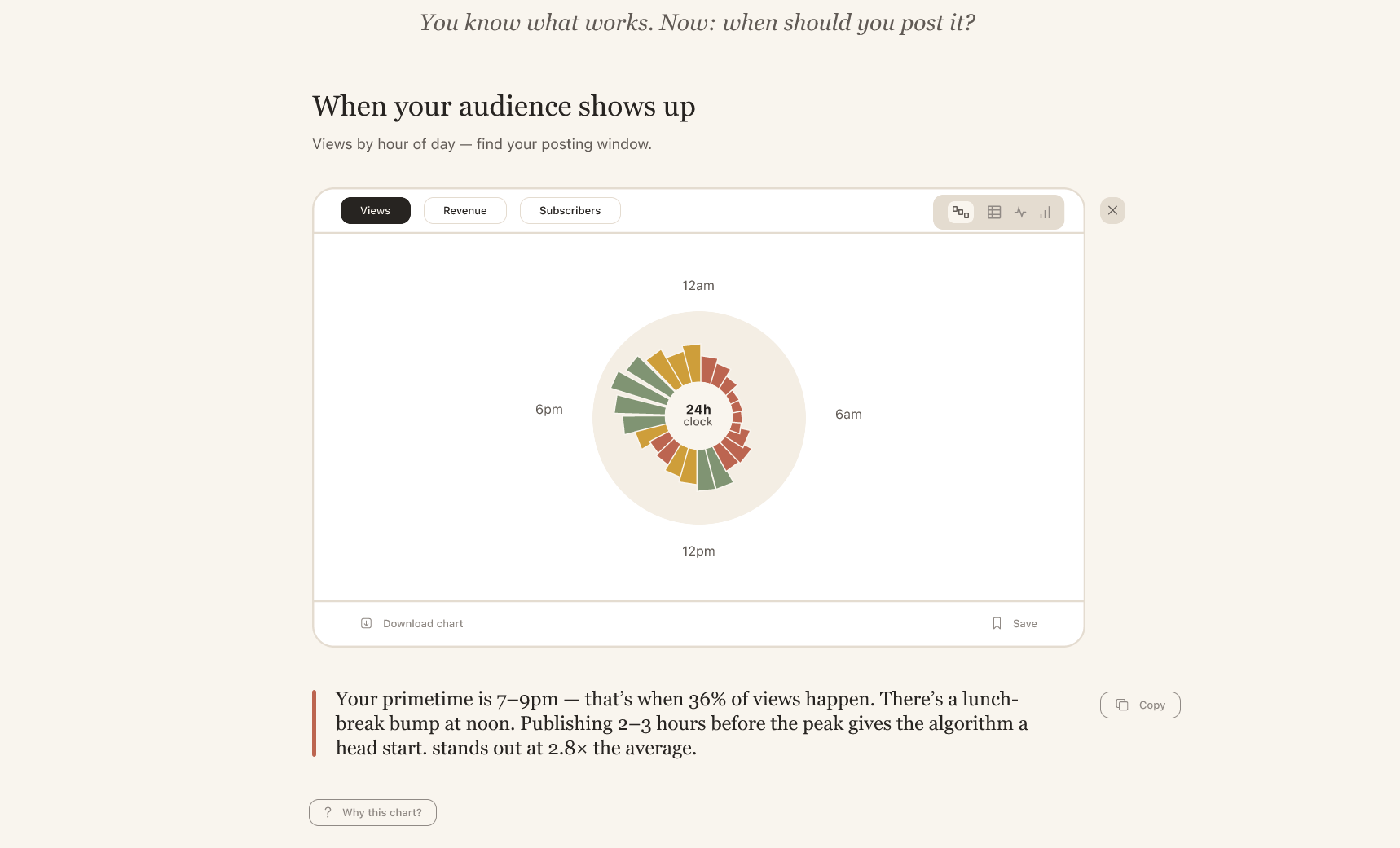
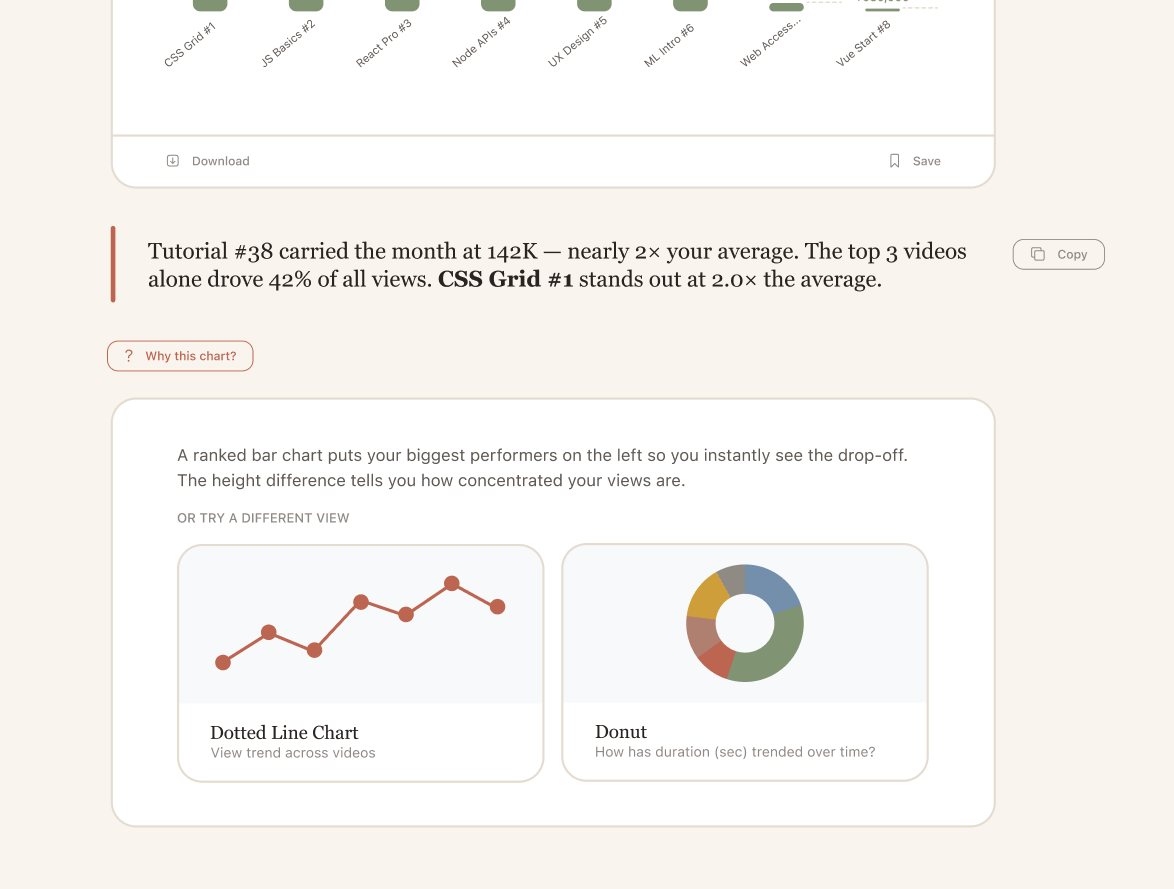
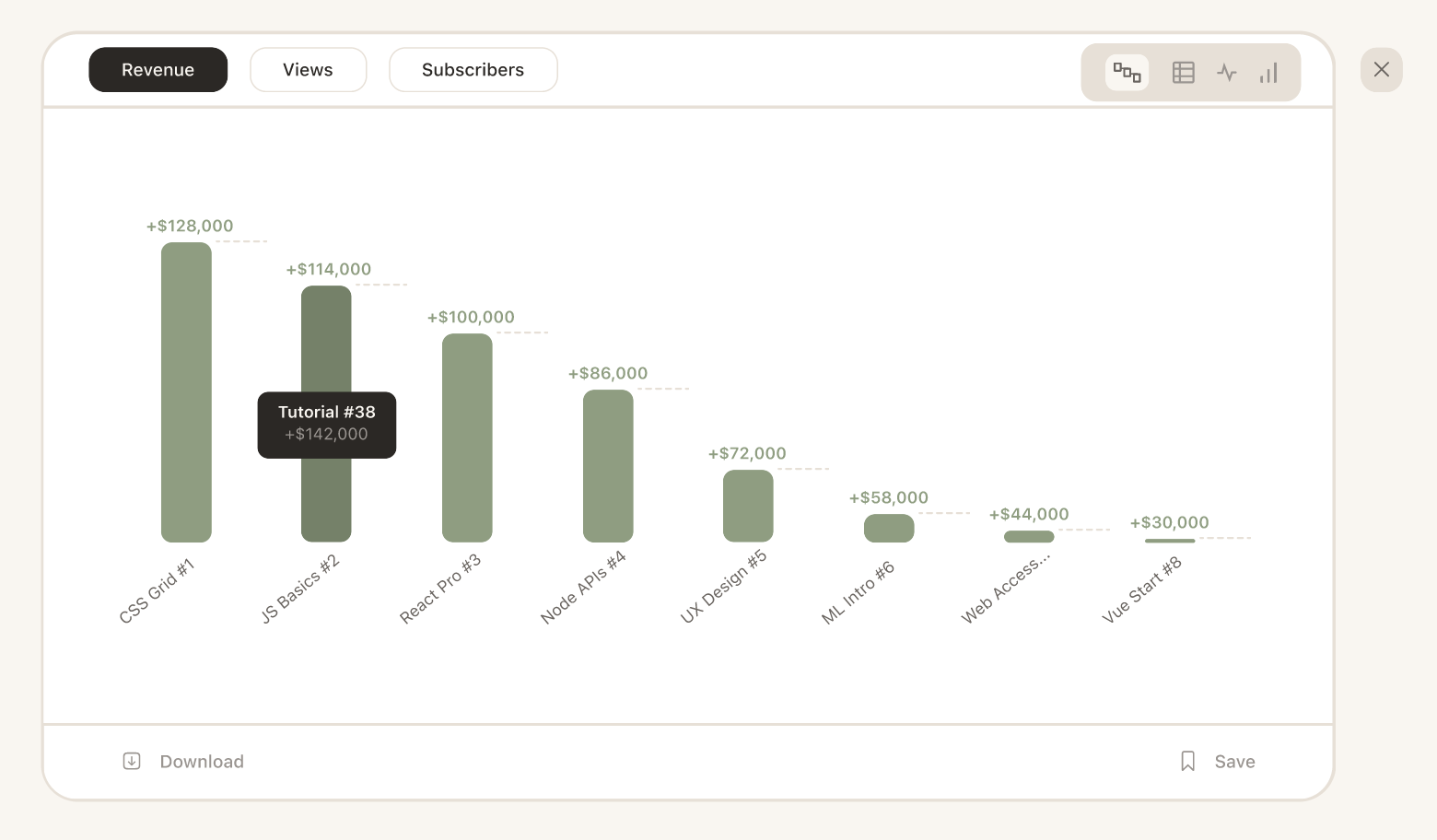
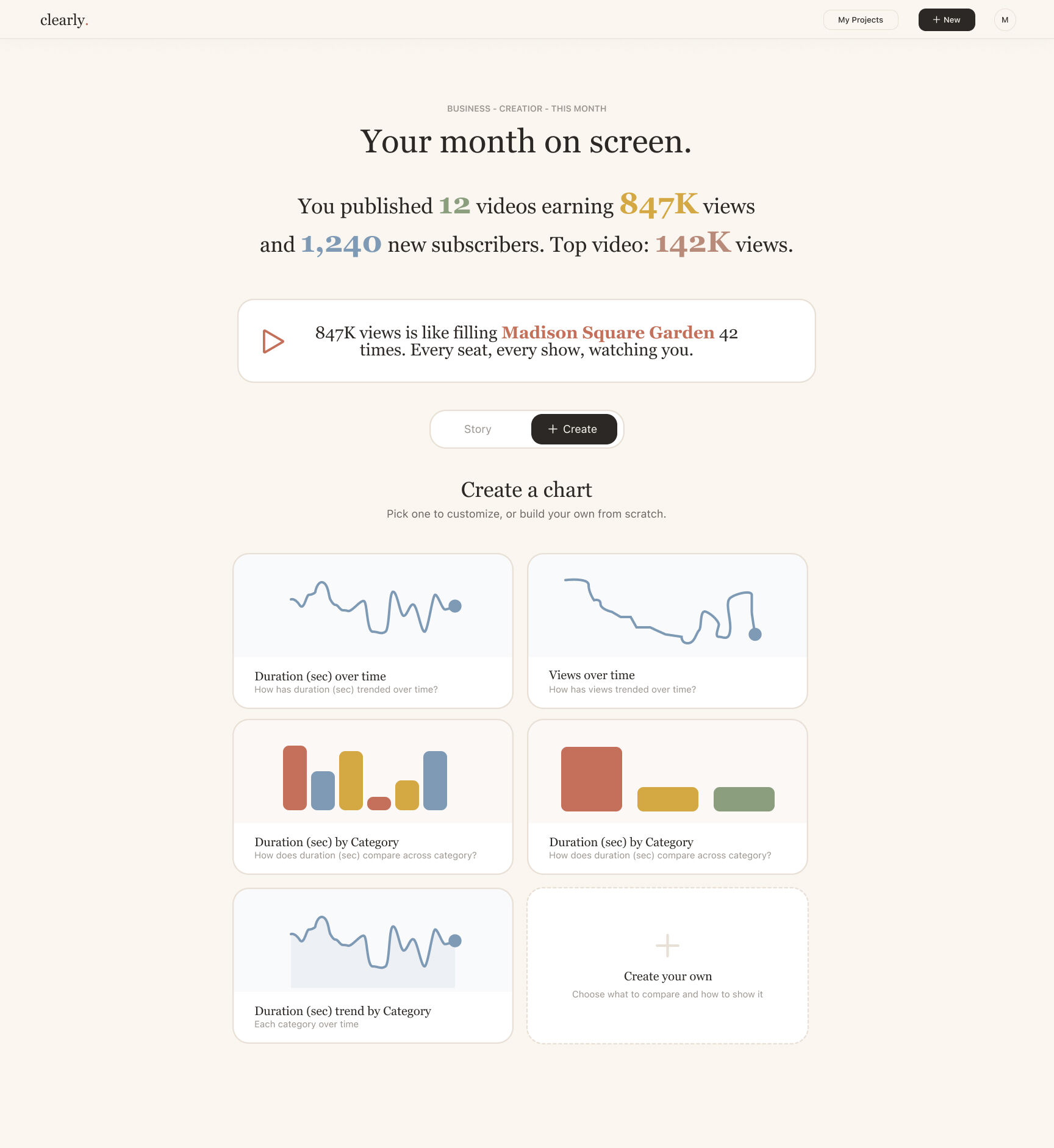
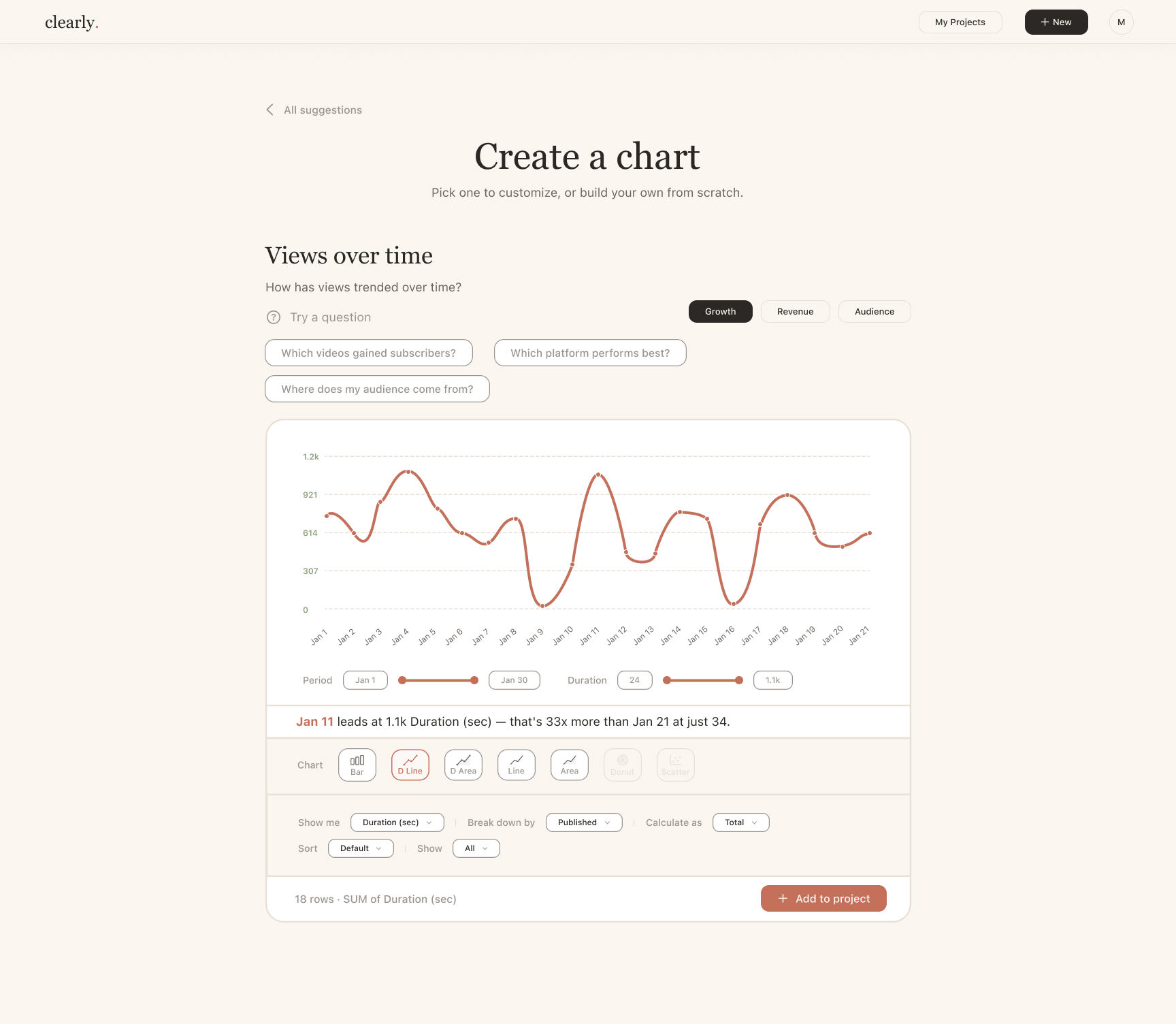
All 21 slides from the Revolut Design Task submission. Click any slide to view full size.
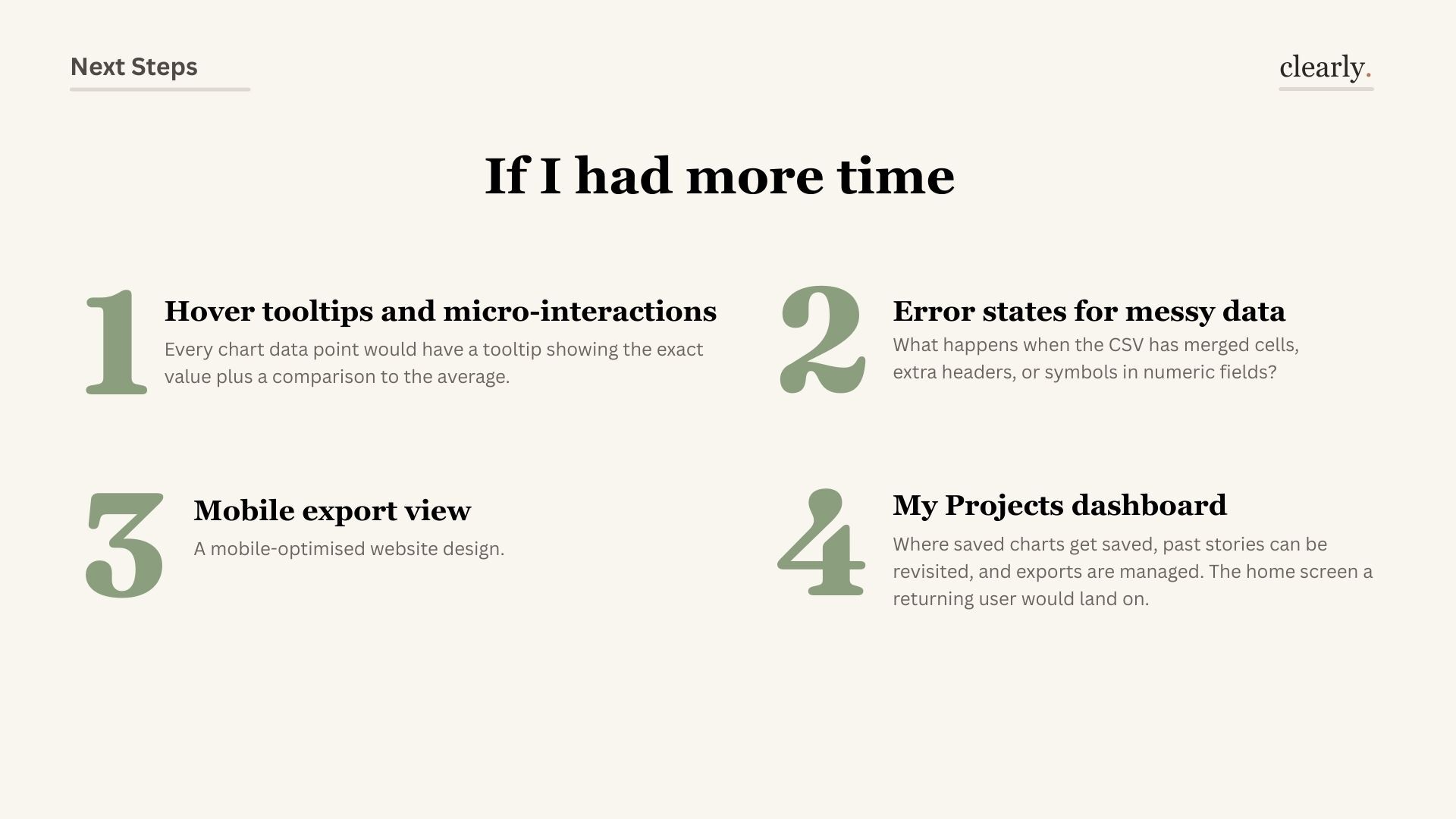
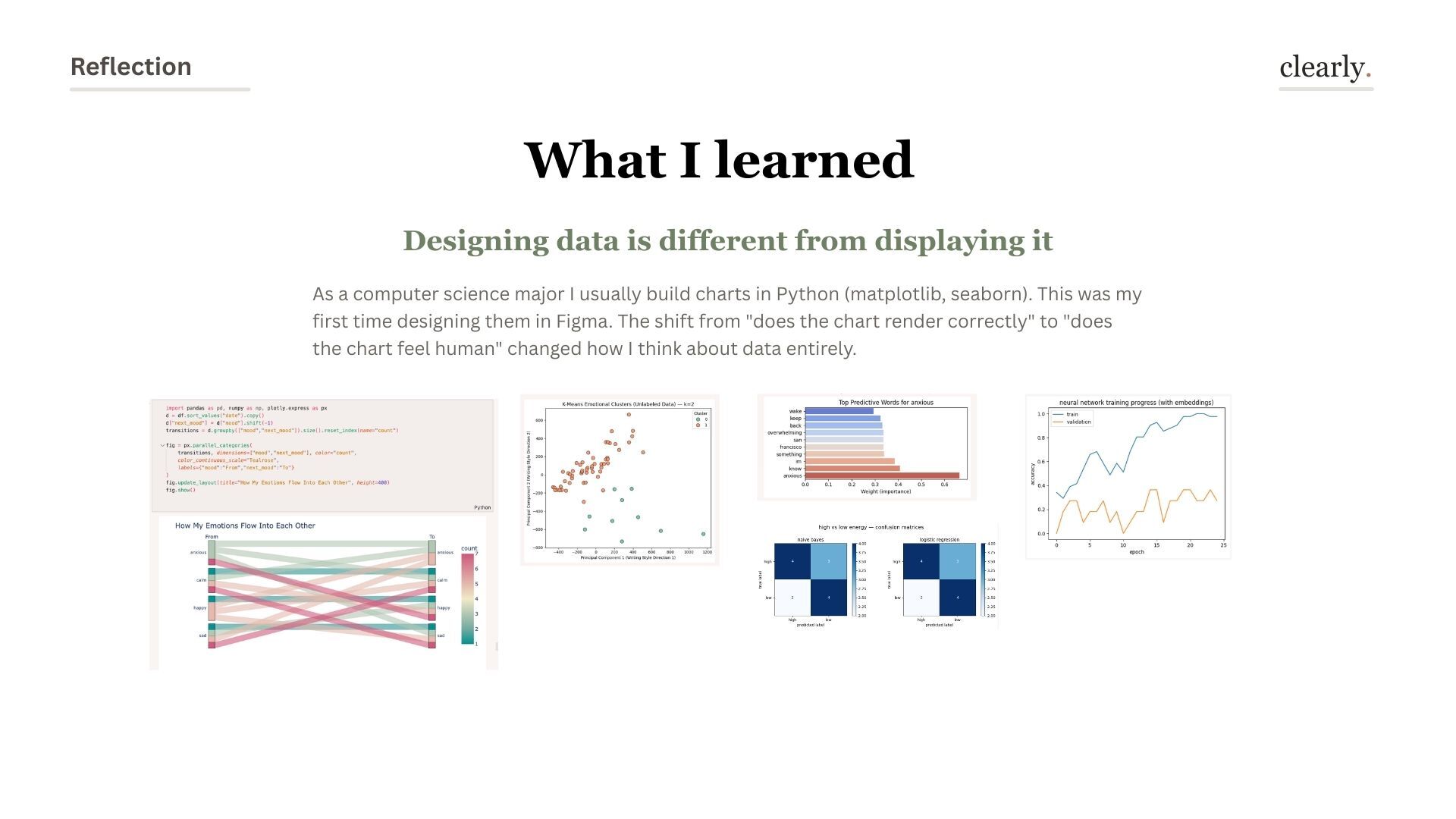
Every data interaction reveals a new edge case. Messy CSVs with merged cells, error states that don't make users feel stupid, hover tooltips that explain each bar — these are the details that turn a prototype into a product.
Every visualization is an answer to a question. Design the question step first, and the visualization almost designs itself.
Terra cotta in a data tool felt counterintuitive. But emotional safety and technical precision aren't opposites — warm design makes users confident enough to explore.
The order in which a user encounters information completely changes how they understand it. Interpretation before visualization isn't just UX — it's a philosophy.
"Data tools are often designed for experts who already understand data. Clearly was an exercise in designing for the moment just before understanding — when someone looks at a spreadsheet and thinks 'I have no idea what this is telling me.' That's the most important moment to get right."